Walmart · Verified 4 days ago
$138 $150
free shipping
more
↑ less
Update: The price has dropped to $137.88 since this was originally published.
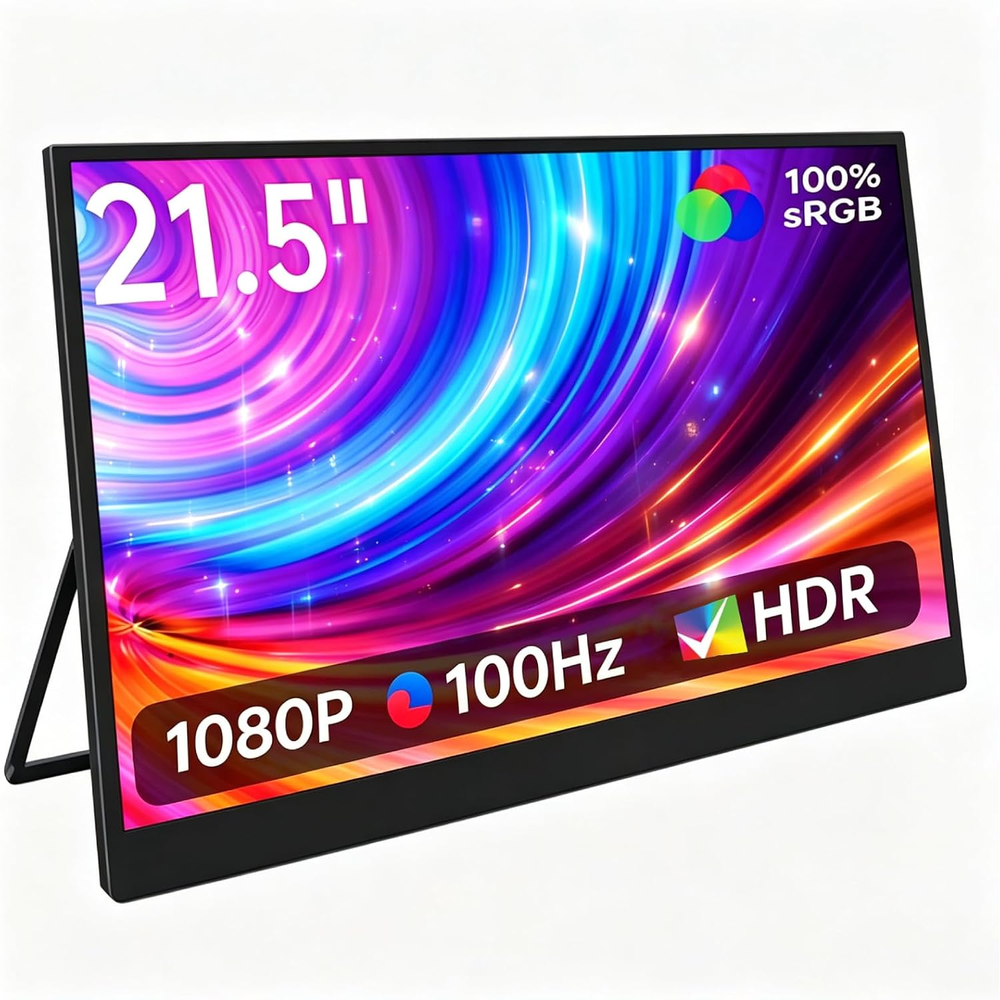
Handy for travelers or anyone who wants a second screen for a laptop without being tied to a desk setup, with a 100Hz refresh rate that's a step up for smoother scrolling and video. Walmart has it for $138, $12 off the $150 list price. Buy Now at Walmart
Features
- 21.5 inch 1080p display
- Portable design for mobile productivity
- Model: Kurie
Walmart · Verified 4 days ago
$59 $96
free shipping
more
↑ less
Update: The price has dropped to $58.99 since this was originally published.
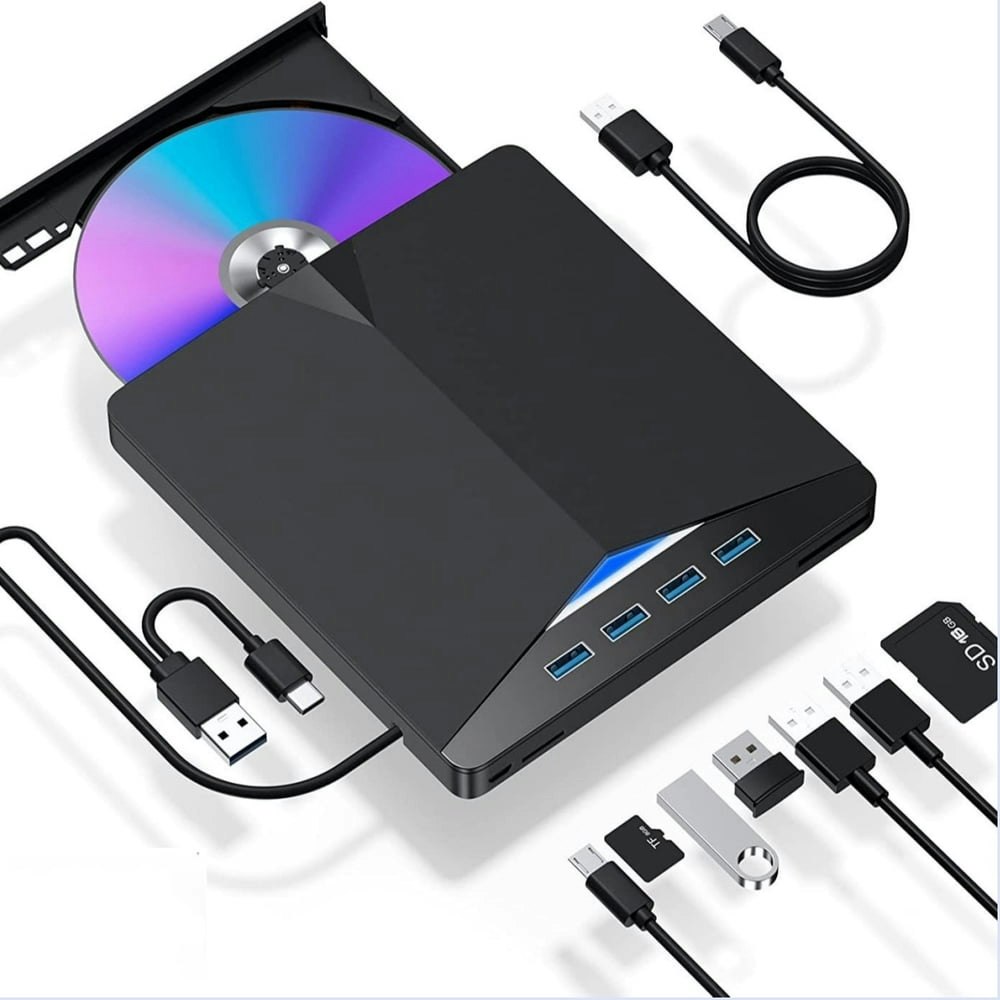
Anyone still working with physical discs for backups or media playback will get use out of this drive's seven-format compatibility, including 4K Blu-ray. It's $36 off the list price at Walmart, putting it at $59.99. Buy Now at Walmart
Features
- Compatible only with desktop operating systems
Walmart · Verified 4 days ago
$81 $100
free shipping
more
↑ less
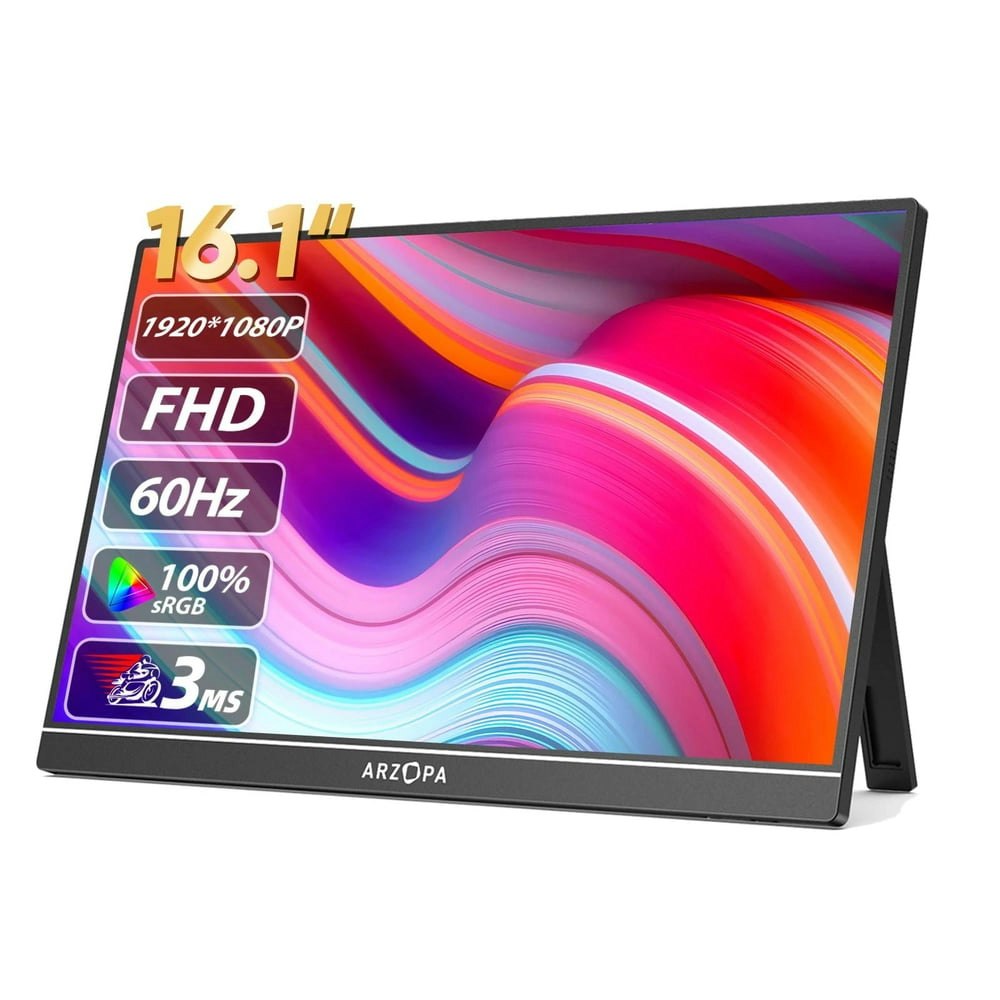
Handy for extending a laptop's screen on the go, whether you're working from coffee shops or setting up a second display while traveling, and Walmart has it for $19 off the list price. Buy Now at Walmart
Features
- 16.1'' 1080p IPS display
- 3ms response time
- 100% sRGB color gamut
- Durable aluminum alloy build
- Integrated multimedia speakers

Walmart · Verified 4 days ago
$28 $43
free shipping w/ $35
more
↑ less
Typing on a tablet gets old fast, and this case solves that with a built-in keyboard and mouse so your iPad can function more like a laptop for school or work tasks; it's $14.50 off the $42.99 list price at Walmart. Buy Now at Walmart
Features
- Compatibility: iPad 11th Gen 2025, iPad 10th Gen 2022
- Includes wireless mouse for efficient productivity
- 230-hour battery life per charge
- Magnetic detachable 7-color backlit keyboard
- Three adjustable viewing angles
Walmart · Verified 4 days ago
$62 $90
free shipping
more
↑ less
Update: The price has dropped to $61.99 since this was originally published.
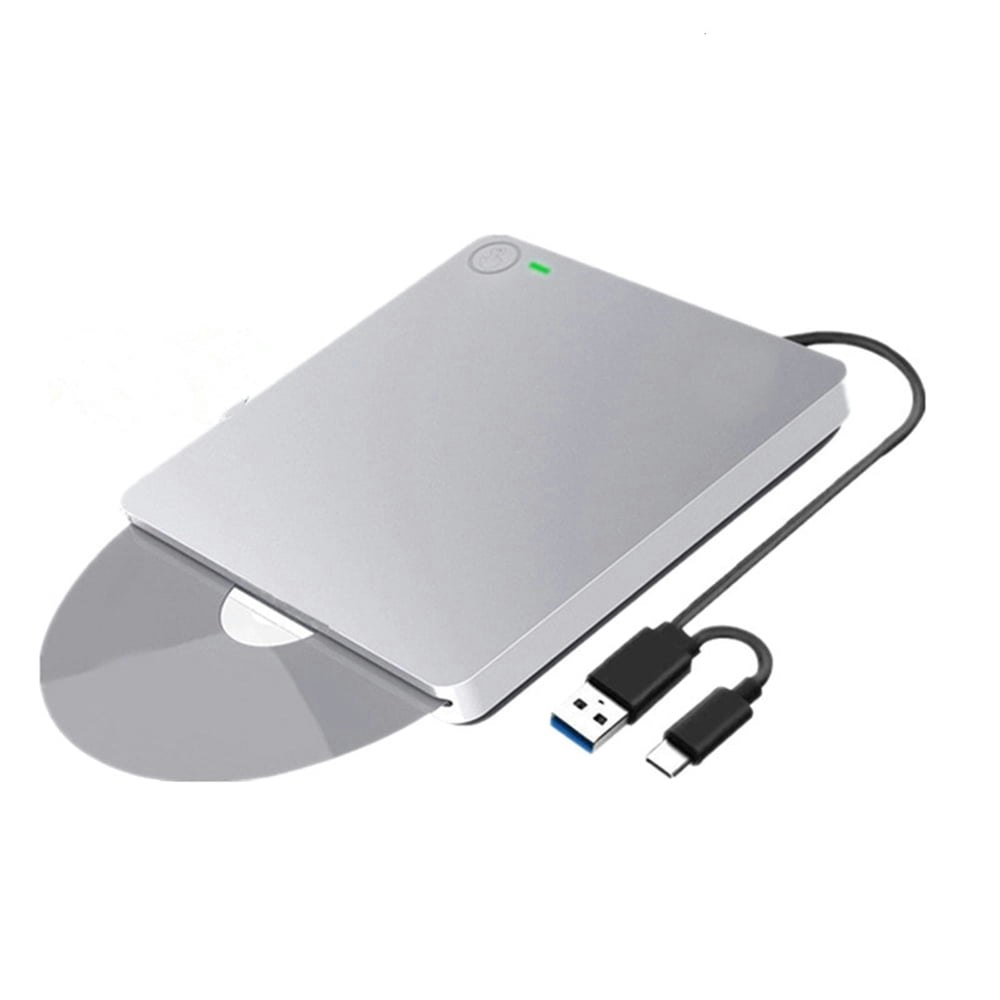
This external drive suits anyone who still needs to read or burn Blu-ray and DVD discs but doesn't want to install an internal drive, since it plugs into any USB port on a laptop or desktop. Walmart has it for $27 off the $90 list price. Buy Now at Walmart
Features
- Universal OS compatibility
- Plug-and-play driverless installation
- Durable dust-resistant slot-loading design
- Portable all-in-one device compatibility
- Premium build quality
Walmart · Verified 4 days ago
$290
free shipping
more
↑ less
Update: The price has dropped to $289.99 since this was originally published.
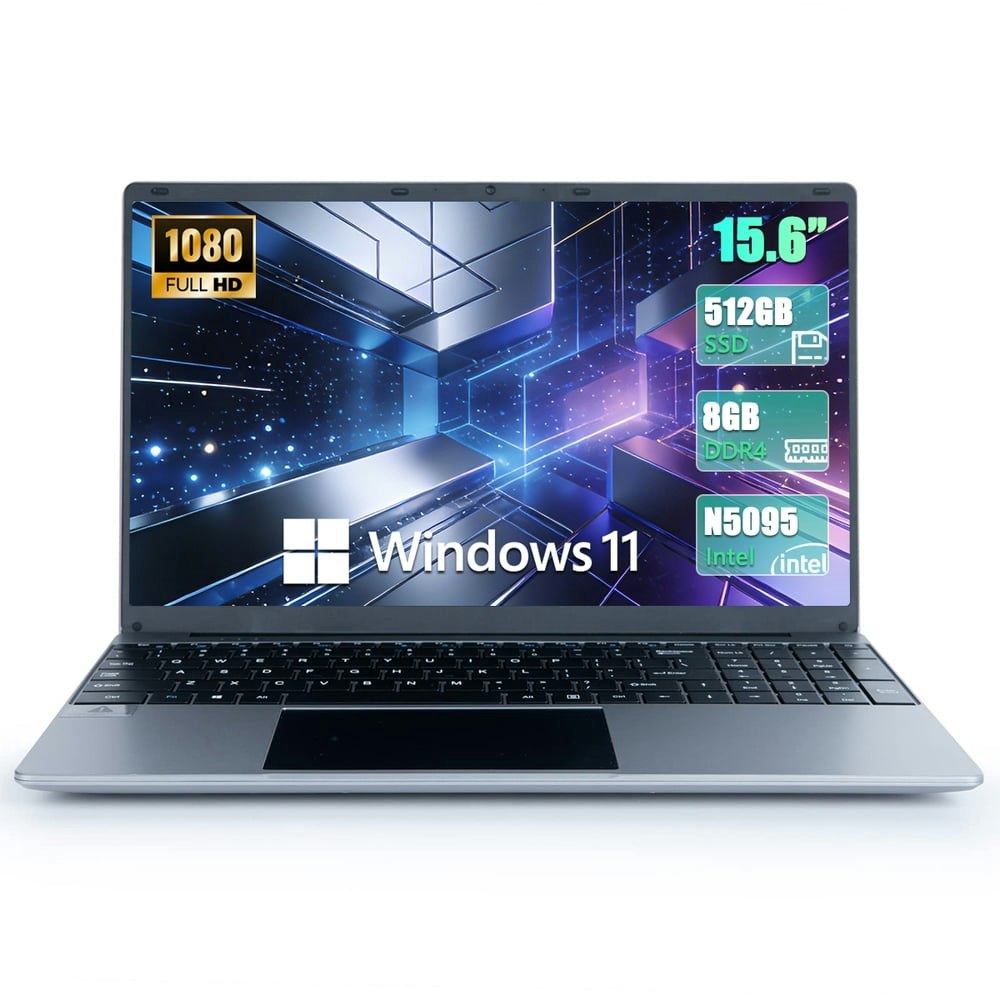
Worth a look if you need a basic laptop for browsing, email, and document work without spending much, since the 8GB RAM and 512GB SSD combo covers everyday tasks better than most budget laptops in this price range. Walmart has it for a price that undercuts what you'd typically pay for similar specs elsewhere. Buy Now at Walmart
Features
- 8-hour battery for all-day use
- 2.4G/5G dual-band Wi-Fi connectivity

Walmart · Verified 4 days ago
$29 $46
free shipping w/ $35
more
↑ less
This combo suits anyone setting up a budget gaming station, pairing a compact 68-key RGB board with a lightweight honeycomb mouse, and it's currently $16.85 off the $45.99 list price at Walmart. Buy Now at Walmart
Walmart · Verified 4 days ago
$179 $260
free shipping
more
↑ less
Update: The price has dropped to $178.58 since this was originally published.
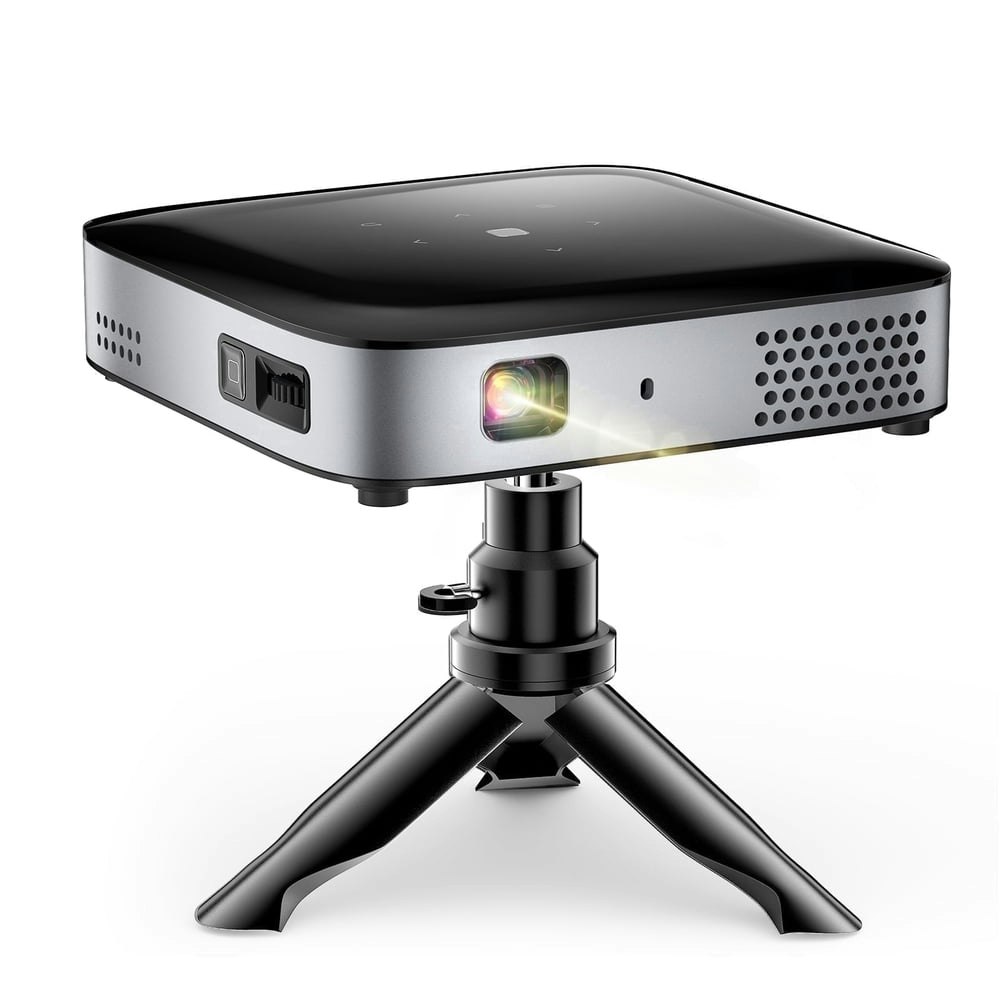
Small spaces and movie nights outdoors both work well with this one, since it's built to be carried and set up without extra hardware. Walmart has it for $178.59 right now, which is $81.40 off the $259.99 list price. Buy Now at Walmart
Features
- 10000mAh integrated battery
- 19-114 inch projection range
- Auto 40 degree keystone correction
- Built-in Wi-Fi and Bluetooth
- Miracast and AirPlay wireless streaming
Walmart · Verified 4 days ago
$15 $26
free shipping w/ $35
more
↑ less
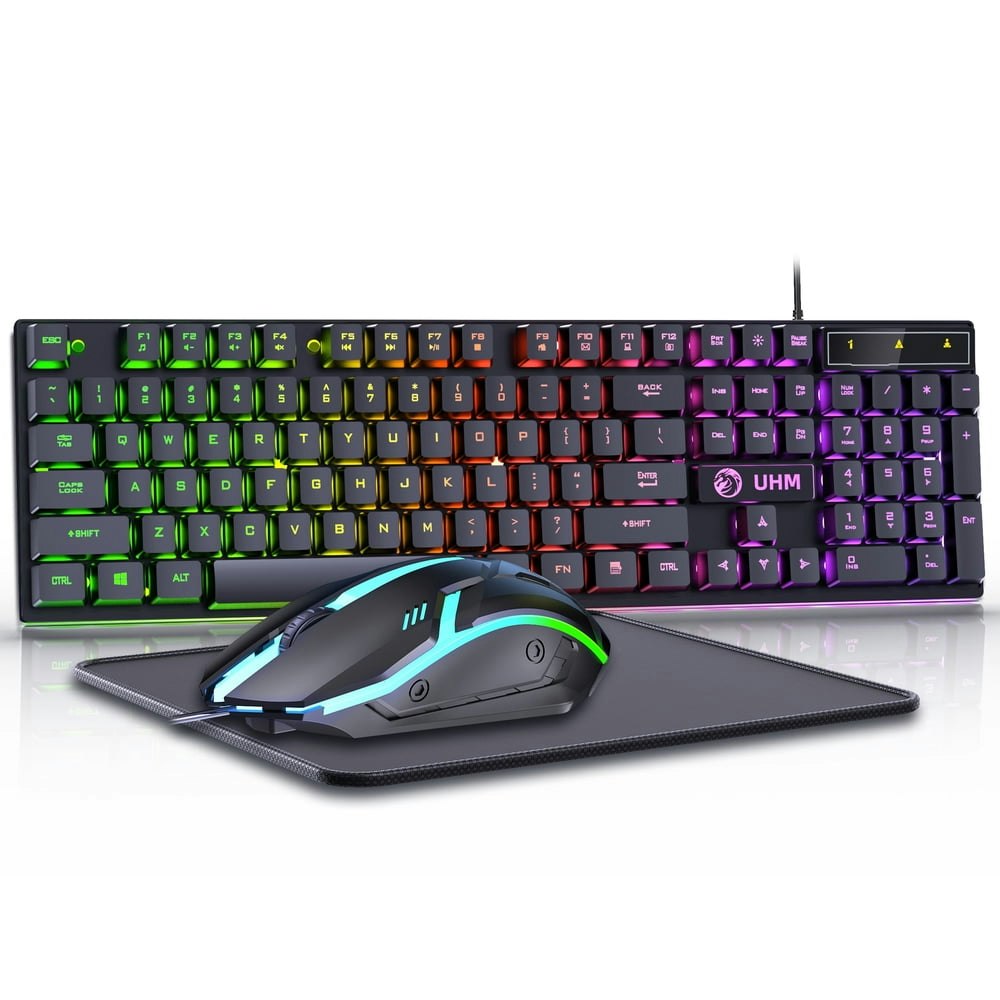
This combo suits anyone setting up a budget gaming station or needing a backup setup without spending much, and Walmart has it marked down to $15, $11 off the $26 list price. Buy Now at Walmart
Features
- 104-key standard keyboard layout
- Stable, lag-free wired USB connection
- Mechanical feel for tactile typing performance
- Includes matching mouse for complete setup
- Suitable for both professional work and gaming
Walmart · Verified 4 days ago
$15 $18
free shipping w/ $35
more
↑ less
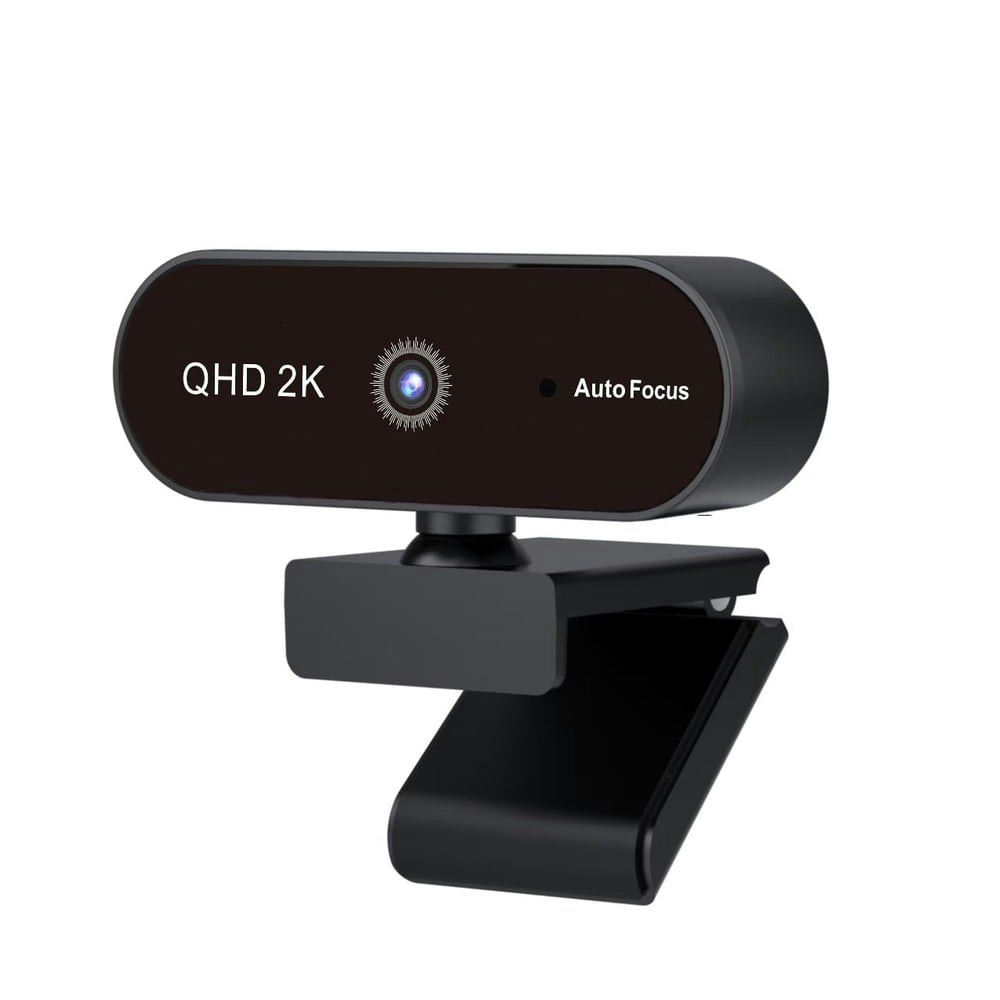
Setting up remote work or video calls on a budget covers it, with a built-in mic so you skip buying a separate one, and Walmart has it marked down to $15, $2.80 off the $17.79 list price. Buy Now at Walmart
Features
- 1080p high definition resolution
- Full 360 degree rotation
- Adjustable 180 degree vertical tilt
- Universal OS compatibility
- Plug and play USB 2.0 and 3.0 connectivity
Walmart · Verified 4 days ago
$170 $240
free shipping
more
↑ less
Update: The price has dropped to $169.69 since this was originally published.
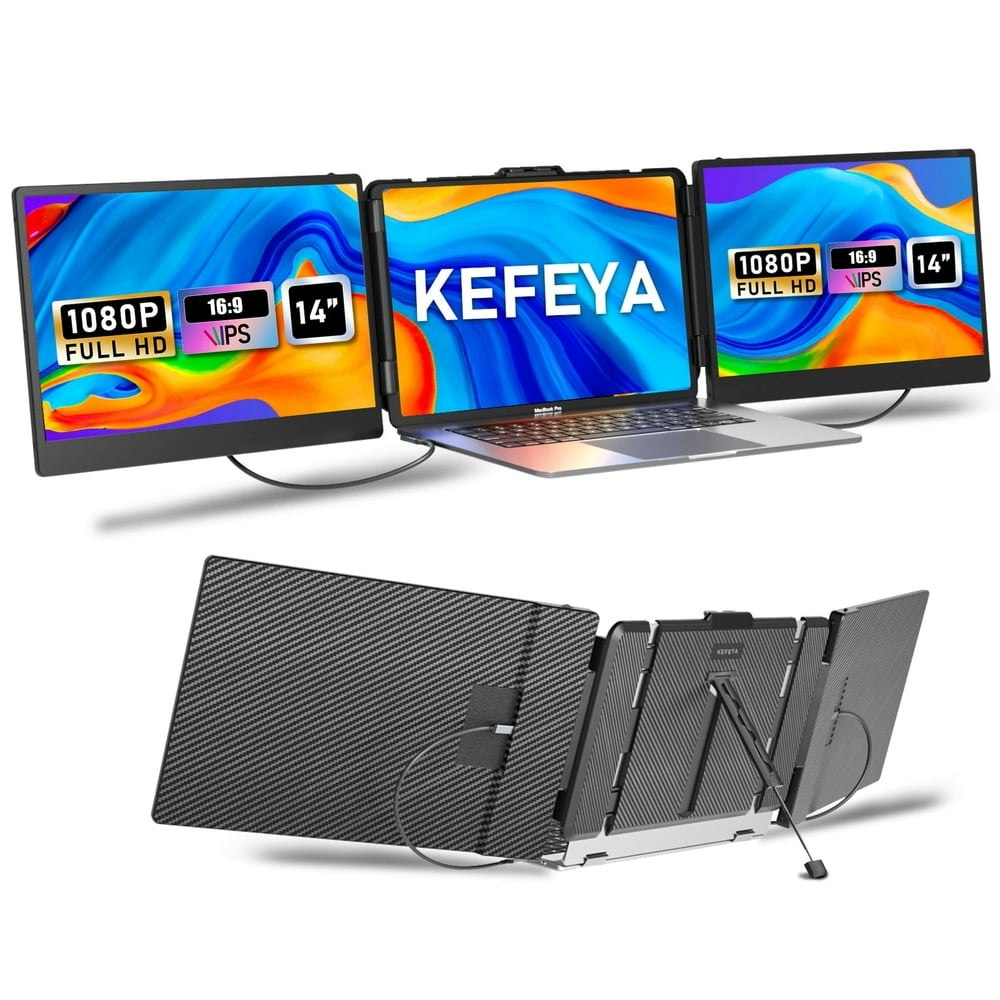
This screen extender clips onto your laptop to give you dual-monitor space without hauling around a second display, which suits anyone working from coffee shops or hotel rooms on the road. At $169.89, that's $70 off the $239.99 list price. Buy Now at Walmart
Features
- Compatible with M1, M2, and M3 chips
- Resolves Mac chip incompatibility issues
- Includes H5-T cable for seamless connectivity
Walmart · Verified 4 days ago
$25 $30
free shipping w/ $35
more
↑ less
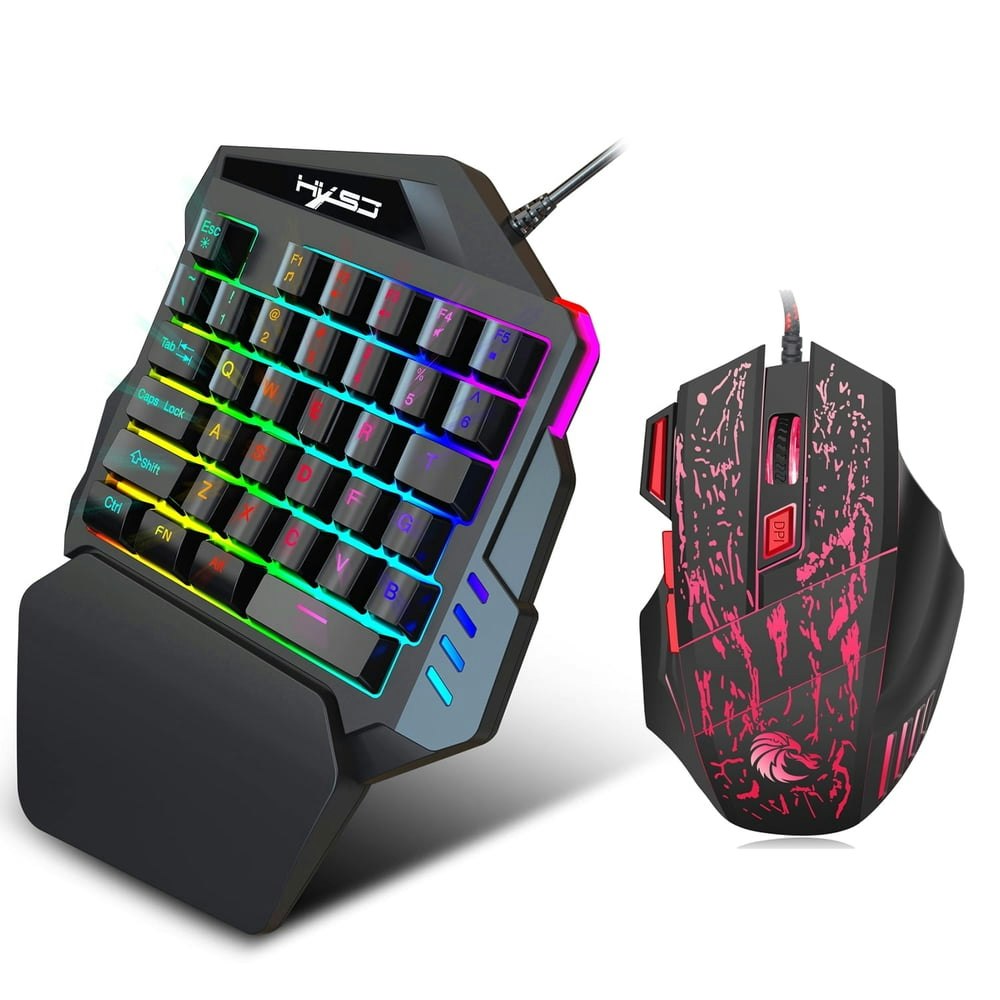
Compact enough to run from one hand, this setup suits gamers who want a free hand for a mouse-heavy setup or just more desk space, and Walmart has it marked down to $24.69 from $29.99. Buy Now at Walmart
Features
- One-handed 35-key ergonomic gaming keypad
- High-precision 5500 DPI gaming mouse
- Customizable macro programming design
- LED rainbow backlit keys with wrist rest
- Broad compatibility with PC, PS4, PS5, and Xbox
Walmart · Verified 4 days ago
$170 $300
free shipping
more
↑ less
Update: The price has dropped to $169.69 since this was originally published.
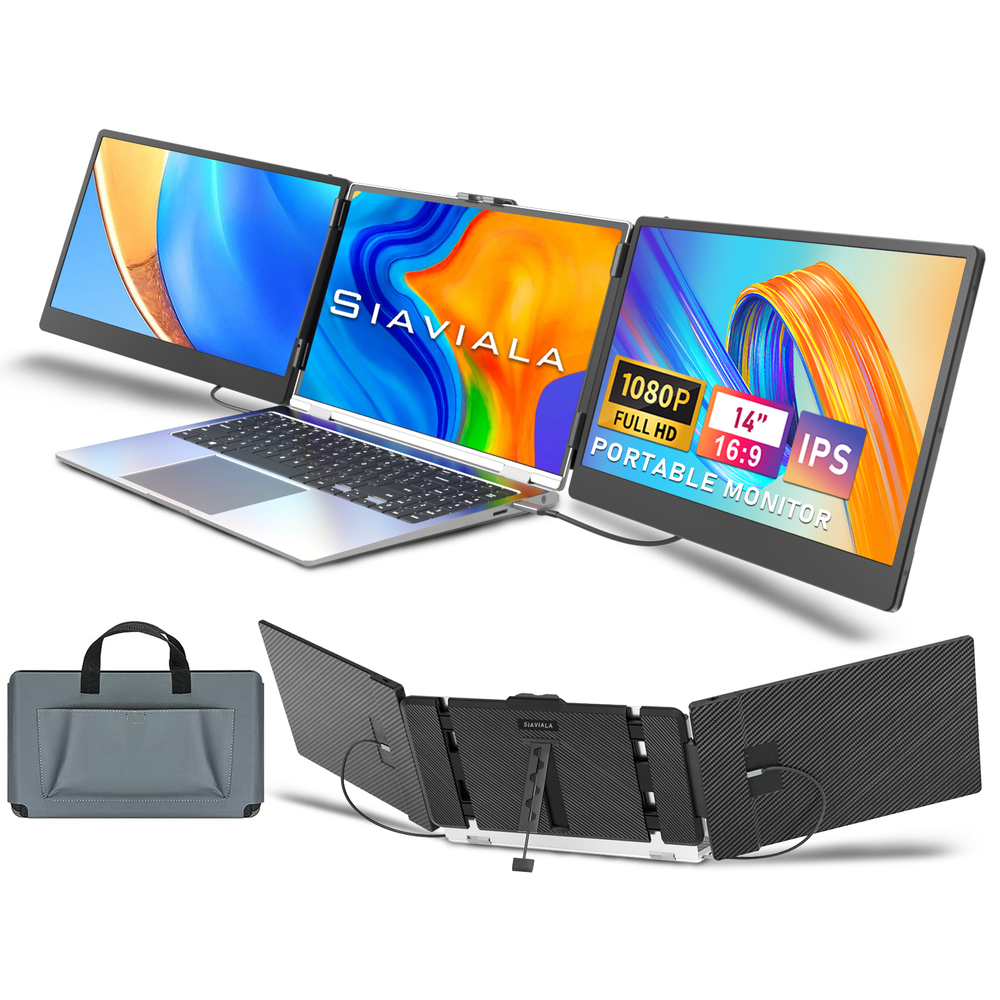
Anyone who works across multiple windows or does remote presentations will get more use out of a laptop with three screens instead of one, since the extender attaches two extra 14-inch IPS displays without needing a separate monitor setup. Walmart has it for $169.89, which is $130 off the $299.99 list price. Buy Now at Walmart
Features
- Supports Linux and Android operating systems
- Enables webcasting and video conferencing
- Facilitates remote work and graphic design
- Optimized for custom app development
- Portable design for mobile professional use

Walmart · Verified 4 days ago
$10 $14
free shipping w/ $35
more
↑ less
Good fit for casual gamers who want a basic wired mouse without paying for extras they won't use, and at $10.05, it's $3.94 off the $13.99 list price. Buy Now at Walmart
Features
- 60g lightweight honeycomb shell design
- 6-level adjustable DPI up to 7200
- Customizable buttons and macro programming
- 12 adjustable RGB backlight modes
- Ergonomic symmetrical claw-grip design

Walmart · Verified 4 days ago
$844 $950
free shipping
more
↑ less
This build suits casual to mid-range gamers who want solid 1080p performance without building a PC themselves, thanks to the Ryzen 5 5500 and RX 6500XT pairing with 16GB RAM for smooth multitasking. Walmart has it for $843.97, which is $106 off the $949.97 list price. Buy Now at Walmart
Features
- AMD Ryzen 5500 processor with 16GB RAM
- AMD 6500XT 4GB GPU for 1080p gaming
- 1TB SSD storage
- Includes 24-inch IPS monitor and gaming peripherals
- Windows 11 pre-installed
Walmart · Verified 4 days ago
$19 $38
free shipping w/ $35
more
↑ less
Update: The price has dropped to $18.88 since this was originally published.
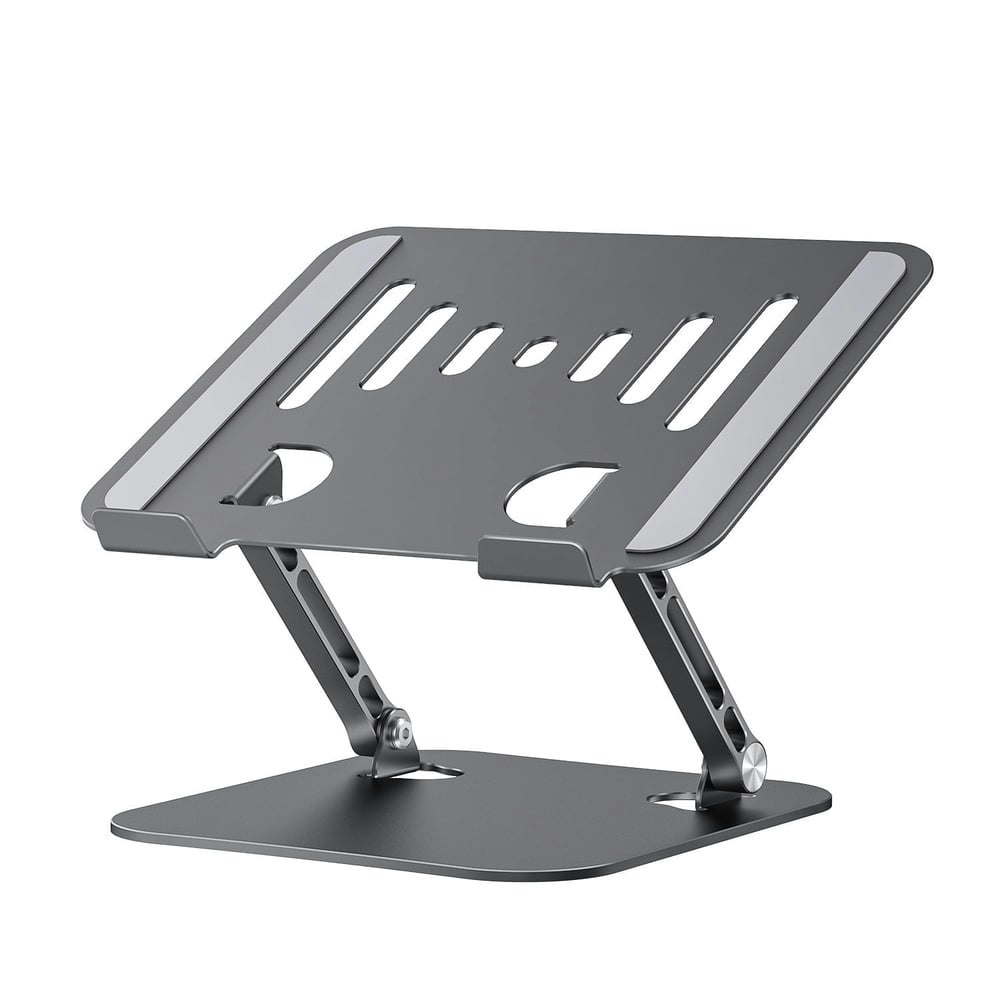
Great for anyone working from a couch, bed, or coffee shop table, the folding design and height adjustability make it easy to switch between sitting and standing setups without lugging around something bulky. Walmart has it for $18.99, exactly half off the $37.98 list price. Buy Now at Walmart
Features
- Universal compatibility for laptops 10 to 17 inches
- Supports MacBook Air and Pro models
- Compatible with Microsoft Surface and Dell XPS
- Designed for Acer Chromebook and varied brands
- Adjustable sizing for wide range of laptops

Walmart · Verified 4 days ago
$13 $23
free shipping w/ $35
more
↑ less
Handy as a backup controller if your original Xbox 360 pad wore out or you need a second one for local co-op on PC, and it's currently $9.50 off (41%) the $23 list price. Buy Now at Walmart
Walmart · Verified 5 days ago
$18 $22
free shipping w/ $35
more
↑ less
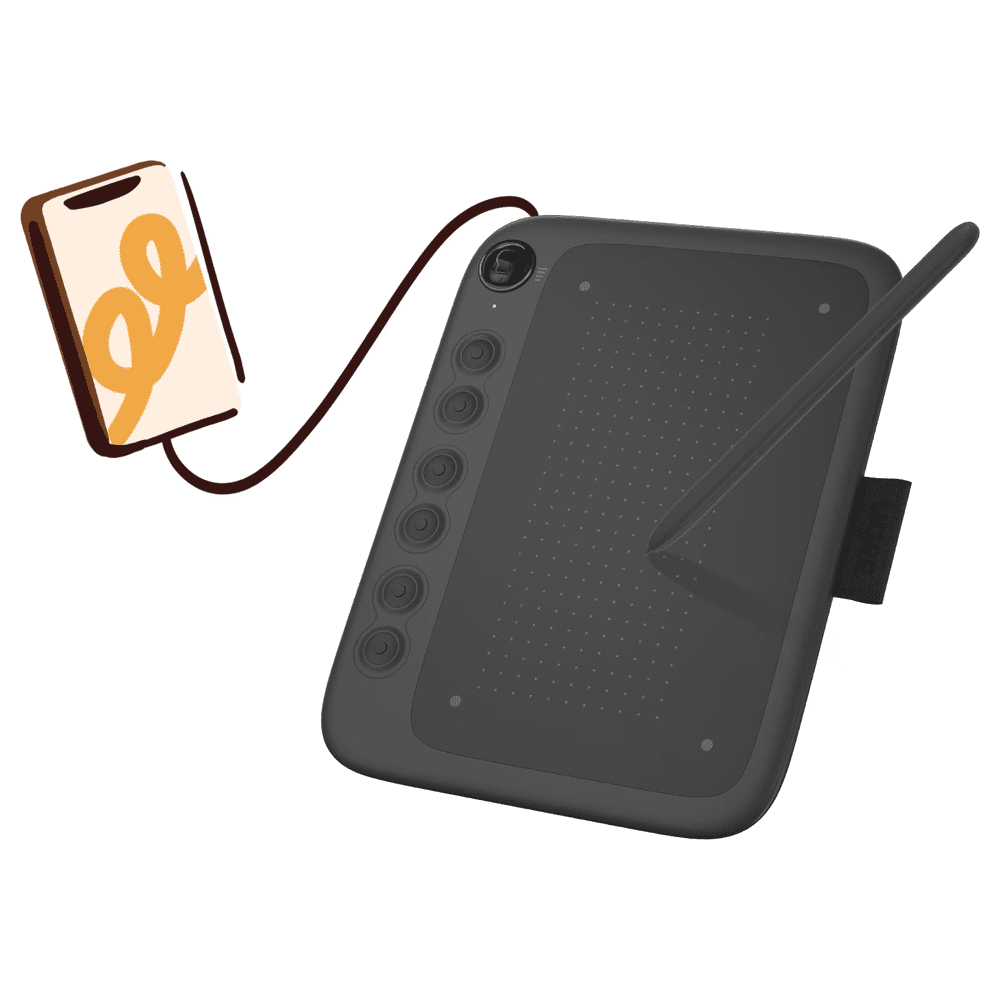
Small enough to toss in a bag, this tablet suits anyone just starting out with digital art or needing basic input for note-taking and sketching, and it's currently $4.37 off the list price at Walmart. Buy Now at Walmart
Features
- 60° tilt sensitivity for natural drawing
- 6 customizable shortcut keys for efficient workflow
- Battery-free stylus for uninterrupted creativity
- 5080LPI resolution for precise line detail
- Model: Q6
Ends Today
Walmart · Verified 6 days ago
$33
free shipping w/ $35
more
↑ less
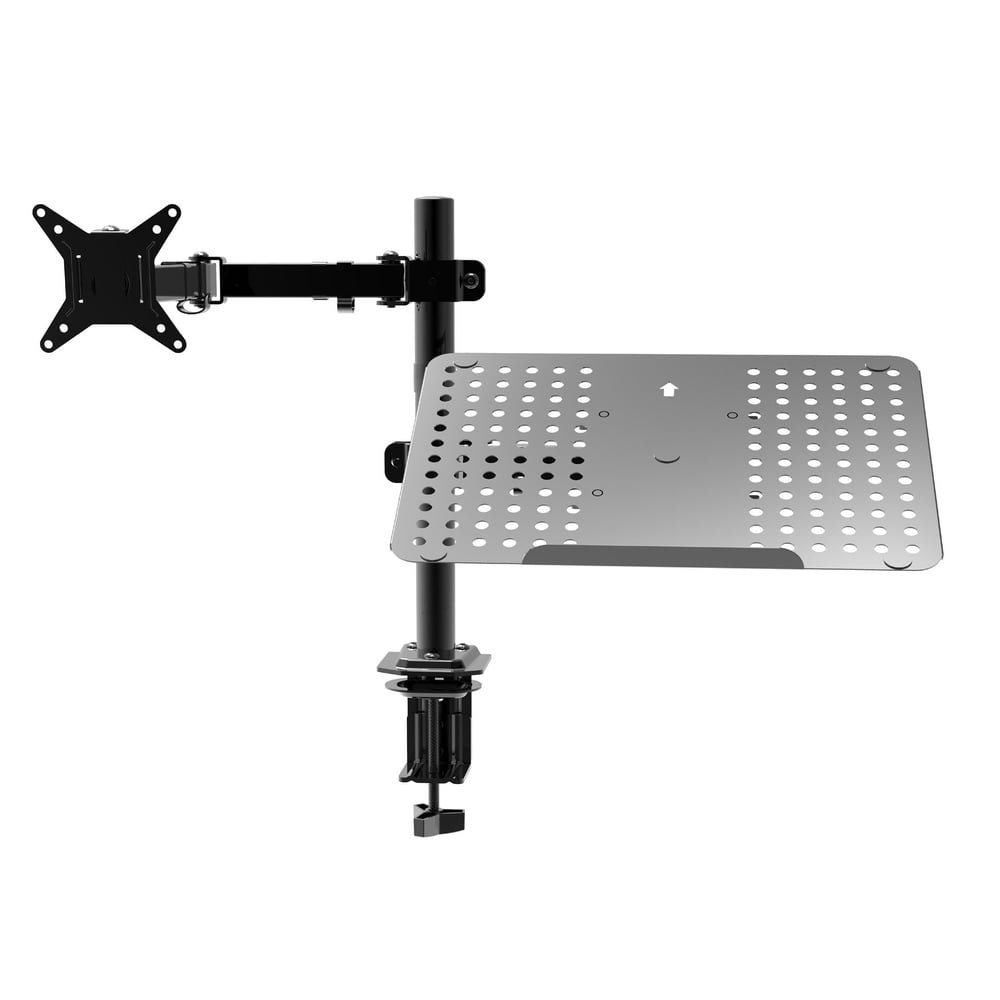
Setting up a side-by-side monitor and laptop station without eating up desk space, this mount suits anyone working from a cramped desk or juggling dual screens for work. The adjustable arm lets you angle the monitor and laptop independently, which helps if you're on video calls or referencing documents throughout the day. Buy Now at Walmart
Features
- Supports 32-inch monitor and 17-inch laptop
- Full motion tilt, swivel, and rotate adjustability
- Universal 75x75 and 100x100 VESA compatibility
- Tool-free C-clamp desk mounting system
- Integrated cable management clips and straps
Computers: The Basics
Shopping for computers doesn’t have to drain your savings — if you know how to find the best prices. Our team of experts review the sales and publish the best computer deals so you don’t have to work half as hard.
How to Save on Streaming Services
Computers: The Basics
Shopping for computers doesn’t have to drain your savings — if you know how to find the best prices. Our team of experts review the sales and publish the best computer deals so you don’t have to work half as hard.
Basic Computer Terminology
You don’t have to be a tech wiz to buy your next computer. Make note of these common terms to help you when you’re shopping computer sales!
- Operating System (OS): This is the system that controls how your computer performs basic functions. The most common operating systems you’ll see right now are Windows 10 and Mac OS X. They perform comparably, so picking one relies on personal preference.
- Random-access memory (RAM): The short-term memory of your computer. Your RAM controls how quickly and efficiently your computer is able to switch between tasks. The higher the RAM, generally, the better the performance.
- Processor (CPU): The powerhouse or “brain” of the computer, your processor handles your computer’s basic instructions, such as using your mouse and keyboard, or running applications. The two most popular CPU manufacturers are AMD and Intel. You can read about which processor is right for you in this article from Digital Trends.
- Storage: There are two types of physical computer storage, hard drives (HD) and solid state drives (SSD). SSD storage is more common these days because they are more stable and faster. While it’s ideal to aim for greater storage space, a bigger drive will cost more money. Determine your storage needs based on how you plan to use your computer. Abt recommends starting with at least 500 GB of storage space.
Additionally, some providers, like Verizon, offer streaming perks with select plans, giving you months of access to services like Disney+, Hulu, and ESPN+ at no extra cost. Annual payment options can also help you save, as they often come with a discount equivalent to getting one or two months free. For those on a budget, ad-supported plans provide the same great content at a fraction of the cost. Visit our Disney+ Subscription Cost page to explore pricing and options.
What Deals Are Available on Disney+ Bundles?
Disney+ bundle deals provide significant savings when combining services. For example, the Verizon Disney Bundle offered six months of Disney+, Hulu, and ESPN+ for free with select Unlimited plans. Bundles like the Disney+ Premium annual plan ($159.99) save you the cost of two months compared to monthly payments. Bundle options like the ad-supported Duo Basic plan (Disney+ and Hulu) start at $10.99 per month, while ad-free Duo Premium is $19.99. Learn more on the Disney+ Bundle Deals page.
You can also explore seasonal and promotional deals during events like Black Friday to maximize your savings. Check out the Best Disney+ Deals page for current offers.
How Much Is a Disney+ Subscription?
Disney+ subscriptions currently start at $8 per month for the ad-supported Basic plan, while the Premium ad-free plan is priced at $13.99 per month or $139.99 annually. Prices will increase beginning October 17, 2024, with the Premium plan rising to $15.99 per month or $159.99 annually. Explore all pricing options on the Disney+ Subscription Costs page.
Best Disney+ Deals
Disney+ offers value-packed streaming bundles, such as the Disney+, Hulu, and Max bundle starting at $17 per month with ads or $30 per month ad-free. Disney+ also supports paid sharing, allowing you to add one extra member for $6.99 per month with Basic or $9.99 per month with Premium. Prices are increasing on October 17, 2024, so finding deals like these is more important than ever. For more information, visit our Best Disney+ Deals page.
Annual Disney+ Subscription Costs
Disney+ Premium annual plans cost $139.99 but will rise to $159.99 on October 17, 2024. Opting for the annual plan saves you the equivalent of two months compared to monthly billing. Note that annual payments are only available for standalone Disney+ Premium plans and not for bundles. Customize your subscription to include ad-supported or ad-free options with Hulu, ESPN+, or Max. See all pricing details on the Disney+ Subscription Cost page.
Basic Computer Terminology
You don’t have to be a tech wiz to buy your next computer. Make note of these common terms to help you when you’re shopping computer sales!
- Operating System (OS): This is the system that controls how your computer performs basic functions. The most common operating systems you’ll see right now are Windows 10 and Mac OS X. They perform comparably, so picking one relies on personal preference.
- Random-access memory (RAM): The short-term memory of your computer. Your RAM controls how quickly and efficiently your computer is able to switch between tasks. The higher the RAM, generally, the better the performance.
- Processor (CPU) : The powerhouse or “brain” of the computer, your processor handles your computer’s basic instructions, such as using your mouse and keyboard, or running applications. The two most popular CPU manufacturers are AMD and Intel. You can read about which processor is right for you in this article from Digital Trends.
- Storage: There are two types of physical computer storage, hard drives (HD) and solid state drives (SSD). SSD storage is more common these days because they are more stable and faster. While it’s ideal to aim for greater storage space, a bigger drive will cost more money. Determine your storage needs based on how you plan to use your computer. Abt recommends starting with at least 500 GB of storage space.
Basic Software for Your PC
When you start using your new computer, you’ll want to install some basic software to get going. Most pre-built computers come with a suite of software pre-installed with the OS.
Productivity Tools
Whether you opt for a package like Microsoft Office or iWork, opt for freeware like Open Office, or choose an online software pack like G Suite, it’s always a good idea to install a productivity software to help you with tasks like making spreadsheets, word processing, and viewing PDFs.
Internet Browser
Microsoft Edge and Safari are the standard browsers that come with a new computer, but many shoppers rely on browsers like Google Chrome or Mozilla Firefox.
Cloud Storage
Not only does cloud storage give you more space than the limited physical storage on your PC, but it also gives you access to your files anywhere. Many companies like Google or Dropbox offer a limited amount of free cloud storage.
Antivirus Software
Antivirus tools do more than simply keep viruses at bay; they also protect against malware, phishing, adware, spyware, and more. Windows 10 comes with Microsoft Security Essentials as a default, and security options are built into Mac OS X (as opposed to a standalone program). That said, antivirus suites like Norton, McAfee, and Bitdefender may offer you more protection.
Media Player
Many laptops and desktops no longer include a physical media drive. If you plan on watching any videos locally (not streamed online), it’s useful to have a media player. Typically, this software is built in, but check out this list for some info on the best media players for Windows 10 and this one for Mac.
Music Player
Not to be confused with a media player, a good music application is worth installing on your computer. Spotify, iTunes, and Pandora are some common favorites that give you access to a practically limitless selection. The desktop versions make it easier to browse and build playlists.
Computer Deal Subcategories
DealNews offers the best deals on computers and computing accessories. You can browse our deals in different categories including, but not limited to:
Whether you’re looking for a new work laptop, or want to find a quality gaming system, check out our selection of the best laptop deals here.
Did you know you should replace your computer every 4 to 5 years to keep up with the latest performance and security updates? Check out the best computer deals for your next desktop here.
Did you know that DealNews first launched as a deal website for Apple Macintosh products? While we’ve grown significantly since then, we still know how to find the best Apple computer deals!
Maybe you’re in the market for a larger streaming device for your kids, or maybe you’d like a device to serve as your e-reader (with a few extra perks). Whatever you’re searching for, check out the best tablet and iPad deals here.
- Peripherals
Routers , monitors , input devices , and more! These devices make using your computer more comfortable and practical. Be sure you search our site to save big!
When shopping computer sales, check out DealNews before going anywhere else, so you know you’ll always find the best deals!
Frequently Asked Questions
Should I purchase a laptop or desktop?
It’s important to review your needs before buying a laptop or desktop computer.
- What’s your budget? Because they’re bigger and more modular, desktop computers tend to outperform laptops. A desktop’s customizability means your budget can go a lot further. However, laptops have other advantages over desktops.
- Do you need portability? High-end laptops are generally more expensive, but a laptop will always win the portability debate.
- How much power do you need? Desktops have more room to work with, so you can add more RAM, more storage, a bigger graphics card, and other performance improvements. But if you don’t need all that, then a mid-tier laptop may be the cheaper choice.
- Are you a gamer? Laptops that are built for gaming are among the most expensive on the market. That said, if you’re not comfortable selecting individual pieces to build a gaming desktop, you may be willing to pay a premium to get that performance.
- Don’t forget the repairs. If you’re handy, you can often repair or replace parts in a desktop computer with the help of online guides. Most laptops require specialized tools and skills to repair, so desktop fixes tend to be cheaper.
Overall, desktop computers have a lot of advantages, but the lack of portability can be a deal breaker. No matter what you decide, be sure to check out specs and buying guides from the DealNews Blog and other reputable sources like CNET or PCMag. Then shop DealNews for the best computer deals!
How do I get my external hard drive to show up?
Once you’ve ensured that your external drive is plugged in and powered on, check out these steps from PCMag:
- Try a different USB port.
- Try a different PC.
- Update your drivers.
- Format the drive.
What is a VPN?
VPN stands for “virtual private network.” A VPN protects your internet usage by routing your internet connection through a private server. Using a VPN keeps your online browsing more private and also grants you access to websites and content that may not be available in your country.
For more information about VPNs, visit our NordVPN Free Trial Guide and our NordVPN Subscription Cost Page.
How can I boost my WiFi signal?
When your internet connection seems impossibly slow, the cause isn’t your provider, but your WiFi signal strength. Check out these options to boost your WiFi signal:
- Update your router firmware. Each router is different, but you can typically use the steps found here to run updates.
- Place your router in the most optimal space. You want to place your wireless router away from walls or obstructions. If possible, put it in the most central place in your home.
- Pick a different frequency. If you have a dual-band router, try using the 5GHz band. This band offers higher speeds and may get an additional boost if fewer devices are connected to it.
- Change the channel. While most routers will automatically choose the channel with the least congestion, some cheaper routers may require you to manually update it.
- Upgrade your router. How old is your current router? If it's a previous-generation 802.11b model, upgrading could improve your wireless signal. If you already have a newer 802.11n or Wi-Fi 6 router, you're in good shape.
- Replace the antenna. You may boost your signal by adding or replacing an external antenna. PCMag recommends purchasing one marked “high-gain” and opting for a directional antenna rather than an omnidirectional one.
- Add a wireless range extender. If you only want to boost coverage in one or two rooms, a WiFi extender can help you eliminate dead spots. Check out this guide from the DealNews Blog.
Switch to a mesh WiFi system. Wireless mesh networking is becoming more popular because it can provide more complete coverage throughout the home. Mesh systems replace your router and work seamlessly to eliminate coverage gaps.
By: Kristen Harris, Manager
A Georgia girl with three years of experience in IP Law and grounded in understanding marketing and consumer motives. When she's not working with the fabulous staff of DealNews, you can find her whining at rowing practice and browsing the Hot Deals on the site.
Want to know the moment we post a great deal on Computers?
Create an Alert