Popular Deal
Best Buy · Verified Nov 8, 2026
Popular Deal
$150 $240
free shipping
more
↑ less
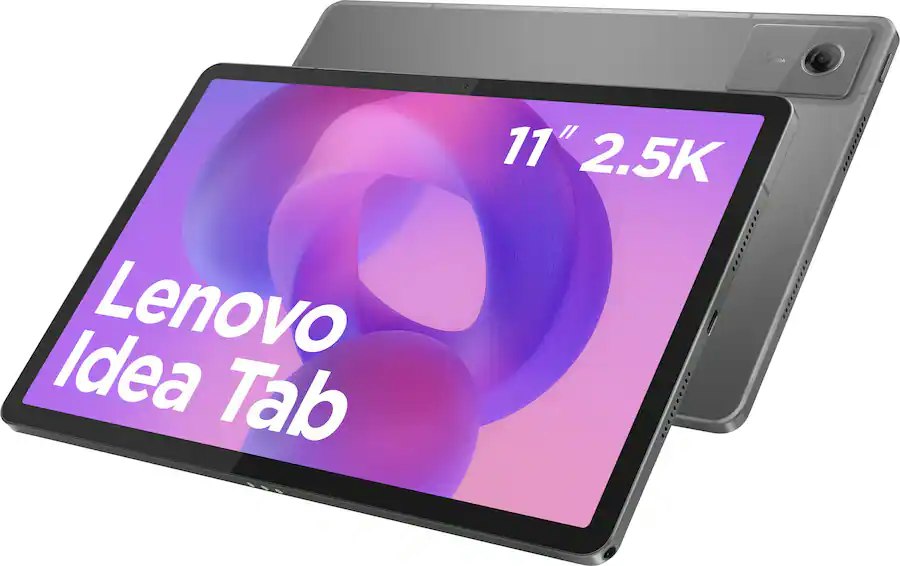
This Lenovo Idea Tab is down to $150 today at Best Buy. That's a $90 drop from its original price. The tablet pairs a 2.5K display with a 90Hz refresh rate and quad Dolby Atmos speakers at this lower price point. Shipping is free. Buy Now at Best Buy
Features
- 11" 2.5K display with 2560 x 1600 resolution
- 90Hz refresh rate for smoother visuals
- 4GB of RAM and 128GB of storage
- MediaTek Dimensity octa-core processor
- Quad speakers with Dolby Atmos
- Runs Android 15
Popular Deal
Best Buy · Verified 2 days ago
Popular Deal
$350 $600
free shipping
more
↑ less
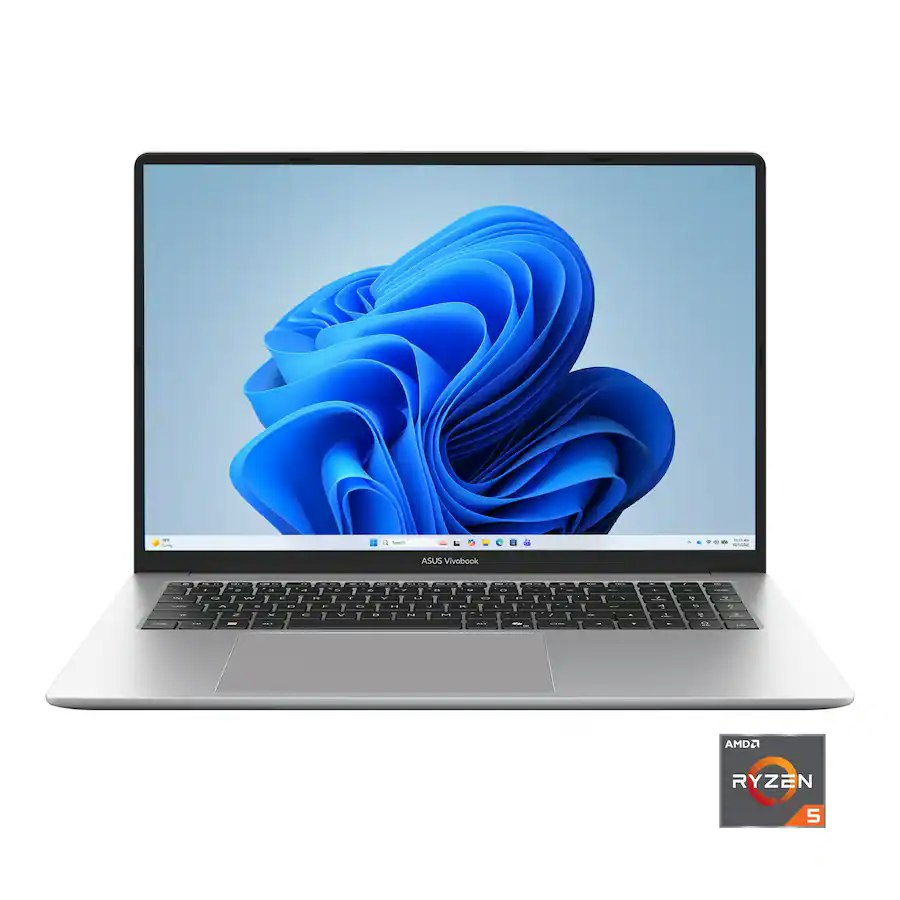
As part of Best Buy's Black Friday sale, this ASUS Vivobook 16 laptop drops to $350. It's a $250 savings. My Best Buy members get free shipping on all orders (it's free to join). Buy Now at Best Buy
Features
- AMD Ryzen 5 3501U processor w/ AMD Radeon graphics
- 16" WUXGA (1920 x 1200) anti-glare display, up to 300 nits
- 8GB DDR4 memory & 256GB SSD storage
- Windows 11 Home
Popular Deal
Best Buy · Verified 1 day ago
Popular Deal
$189 $419
free shipping
more
↑ less
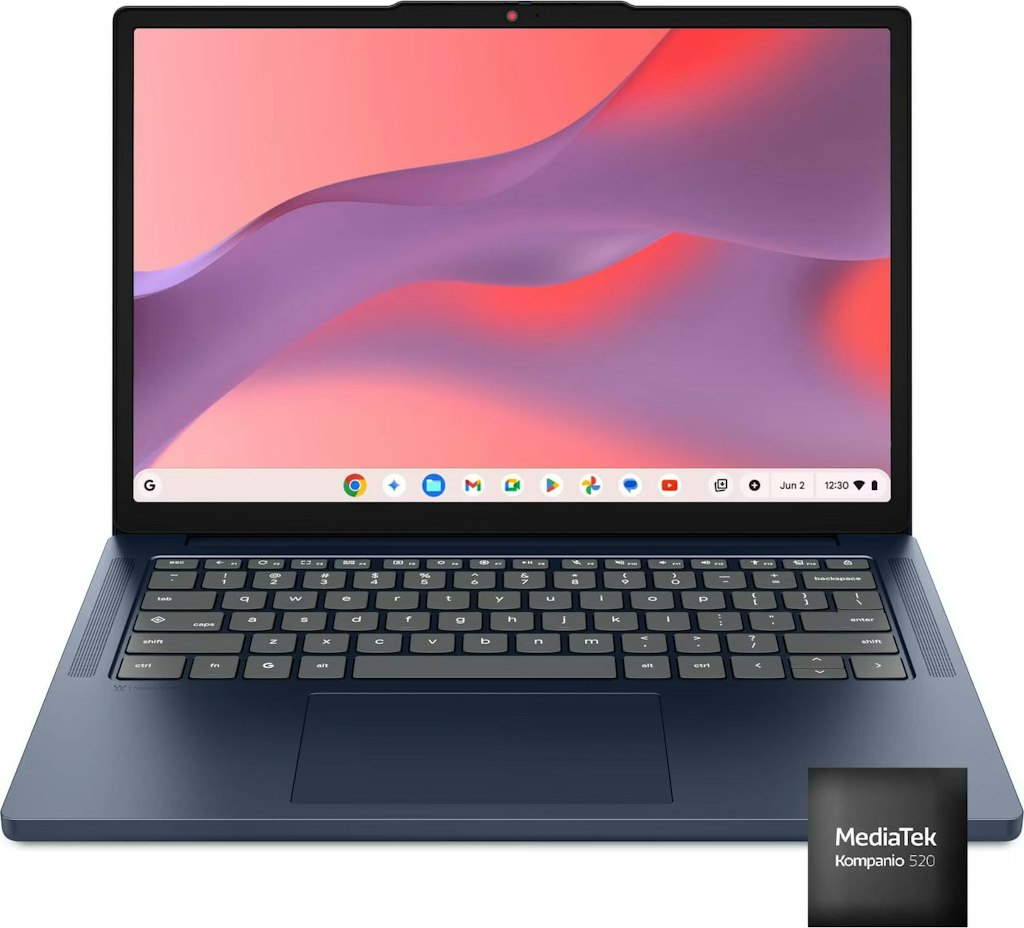
As one of Best Buy's Black Friday deals, this Lenovo Chromebook IdeaPad Slim 3 drops to $189. That's $61 less than you'd pay at Amazon. Its 14" touchscreen has a 1920x1200 resolution. My Best Buy members get free shipping on all orders (it's free to join). Deal ends November 28. Buy Now at Best Buy
Features
- MediaTek Kompanio 500 series processor
- 14" 2K IPS touchscreen display
- 4GB RAM & 64GB storage
- 18-hour battery life
- High-speed Wi-Fi 6E connectivity
- Front-facing Waves-tuned speakers
Popular Deal
Best Buy · Verified 2 days ago
Popular Deal
From $350
free shipping
more
↑ less
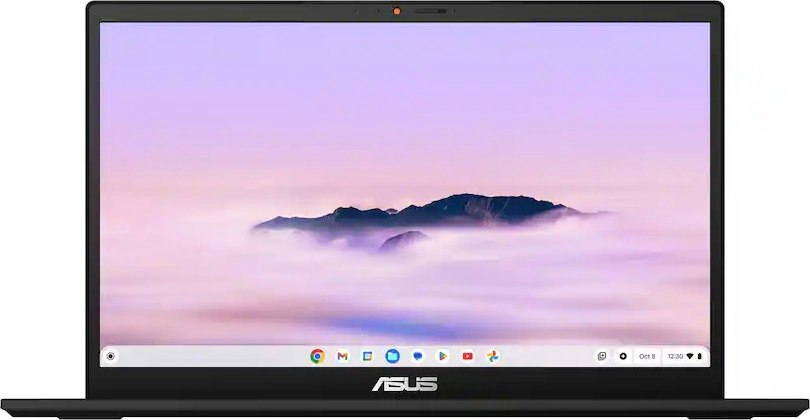
Best Buy's Black Friday sale includes ASUS laptops across gaming, creator, and everyday categories. A couple of standouts: the ASUS Vivobook 16" 2K laptop is $350, $250 off its regular price and he ASUS V16 16" gaming laptop is $700, with $550 off. Buy Now at Best Buy
Popular Deal
Best Buy · Verified 2 days ago
Popular Deal
$1,700 $2,700
free shipping
more
↑ less
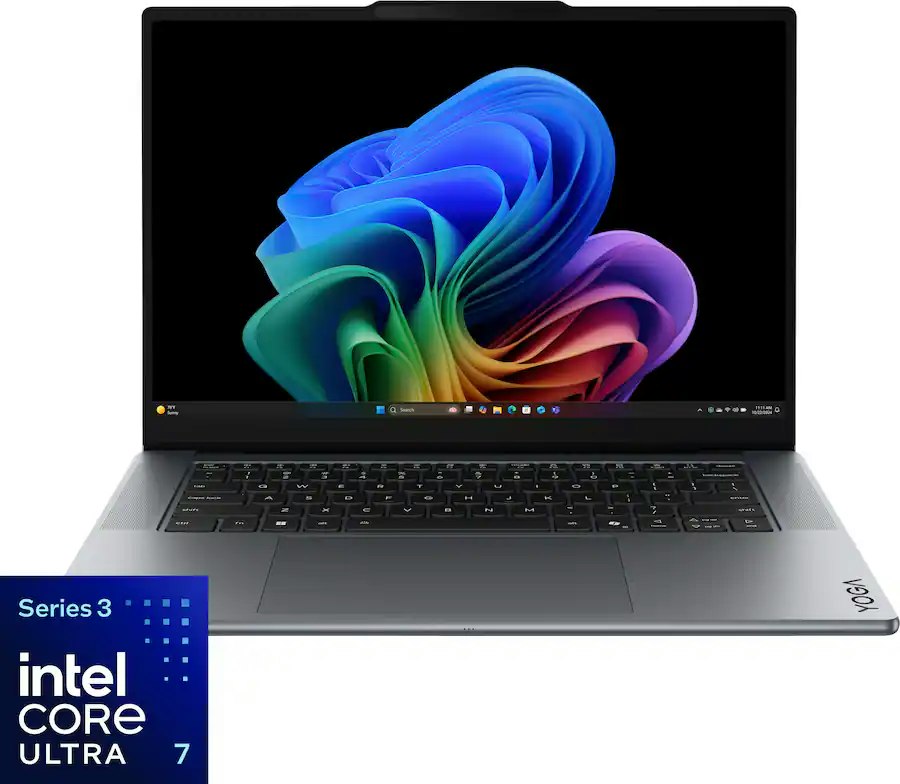
As one of Best Buy's Black Friday deals, this Lenovo Yoga Pro 7i laptop drops to $1,699.99. That's $1,000 off its regular price. My Best Buy members get free shipping on all orders (it's free to join). Deal ends November 28. Buy Now at Best Buy
Features
- Intel Core Ultra 7 356H CPU
- 15.3" 3K (2560 x 1600) OLED touchscreen
- 165Hz refresh rate with 1,100 nits peak brightness
- NVIDIA GeForce RTX 5050 8GB GPU
- 32GB RAM & 1TB SSD
- Windows 11 with Copilot
Popular Deal
Best Buy · Verified 2 days ago
Popular Deal
$450 $800
free shipping
more
↑ less
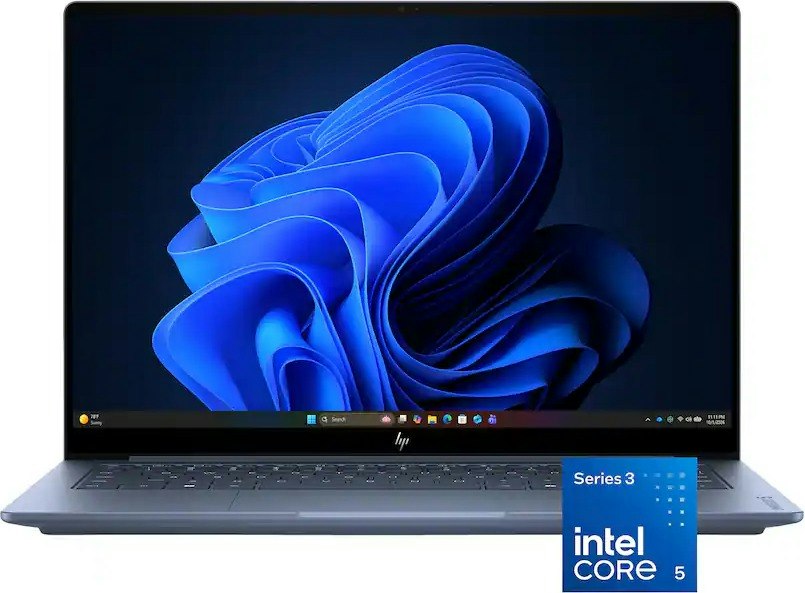
As a Black Friday Doorbuster, Best Buy offers this HP OmniBook 5 for $449. That's $201 less than you'd pay direct from HP. It pairs an OLED touchscreen with 8GB RAM and a 256GB SSD. My Best Buy members get free shipping on all orders (it's free to join). Deal ends November 28. Buy Now at Best Buy
Features
- 14" OLED touchscreen with 1920x1200 resolution
- Intel Core 5 Series 3 processor
- 8GB memory & 256GB SSD
- Up to 42 hours of battery life
- Weighs 2.56 lbs. and measures 0.46" thin
- Windows 11 Home with 65W USB-C charger
Popular Deal
Best Buy · Verified 2 days ago
Popular Deal
$650 $1,300
free shipping
more
↑ less
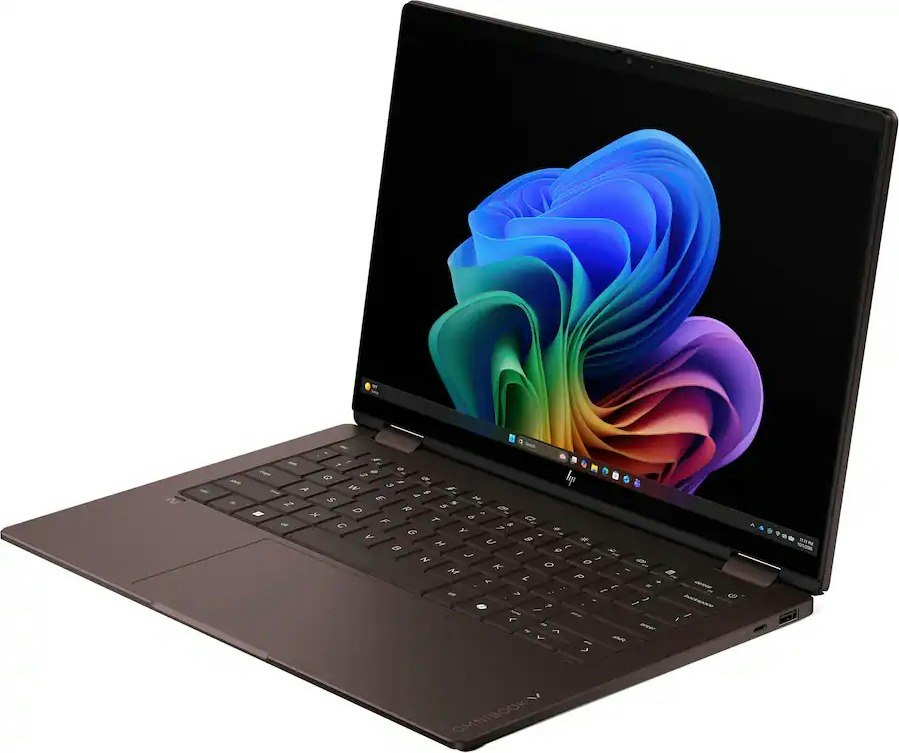
As one of Best Buy's Black Friday deals, this HP OmniBook X Flip 2-in-1 has dropped to $649.99. That's half-price, and the best deal we could find. The 14" OLED touchscreen flips through four modes, and the laptop weighs just over 3 lbs. My Best Buy members get free shipping on all orders (it's free to join). Deal ends November 28. Buy Now at Best Buy
Features
- works as a laptop and a tablet
- 14" 1920x1200 OLED touchscreen
- AMD Ryzen AI 5 430 processor, Copilot+ PC
- 16GB RAM and 512GB SSD
- Weighs 3.09 lbs. and measures 0.57" thin
- Up to 24.5 hours of battery life
- Includes 65W USB-C charger
Best Buy · Verified 2 days ago
$700 $1,250
free shipping
more
↑ less
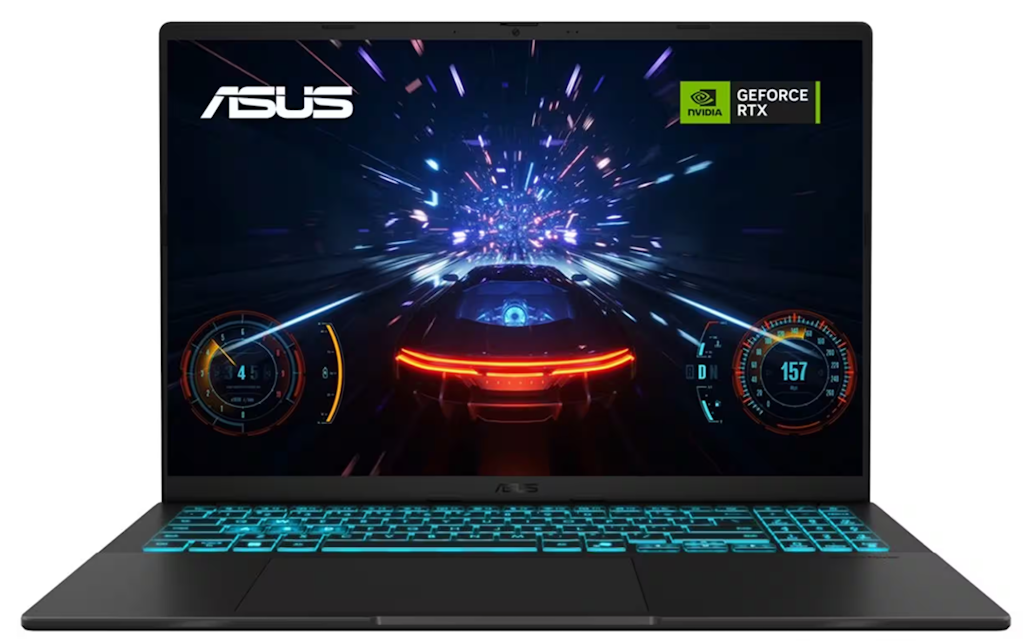
Best Buy's Black Friday deal drops this ASUS V16 gaming laptop to $700. That's down from $1,250, a $550 savings. My Best Buy members get free shipping on all orders (it's free to join). Deal ends November 28. Buy Now at Best Buy
Features
- Intel Core 5 210H processor
- 16" 1920x1200 display with 144Hz refresh rate
- NVIDIA GeForce RTX 3050 6GB GPU
- 8GB RAM & 512GB SSD
- Weighs 4.3 lbs with a 63Wh battery
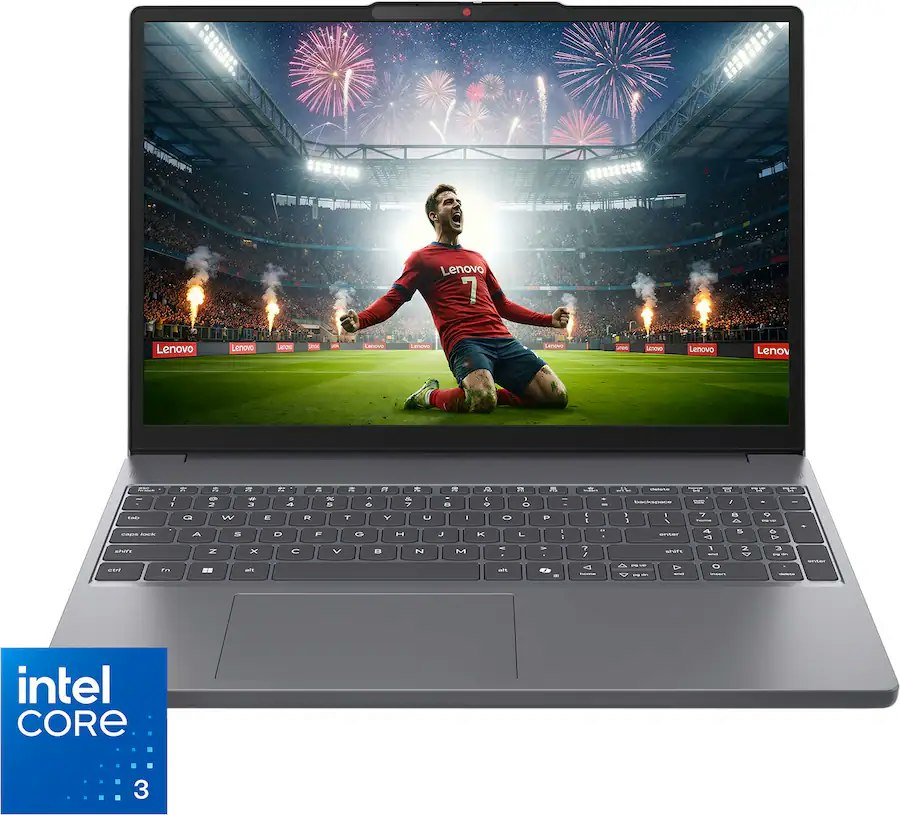
Best Buy · Verified 2 days ago
$350 $650
free shipping
more
↑ less
As one of Best Buy's deals, this Lenovo IdeaPad Slim 3i laptop drops to $349.99. It's a $300 savings. My Best Buy members get free shipping on all orders (it's free to join). Deal ends November 28. Buy Now at Best Buy
Features
- 15.3" 2K touchscreen display (1920x1200) with 120Hz refresh rate
- Intel Core 3 304 processor
- 8GB memory & 256GB storage
- Windows 11 Home with Copilot
- Thin lightweight design with military-grade durability
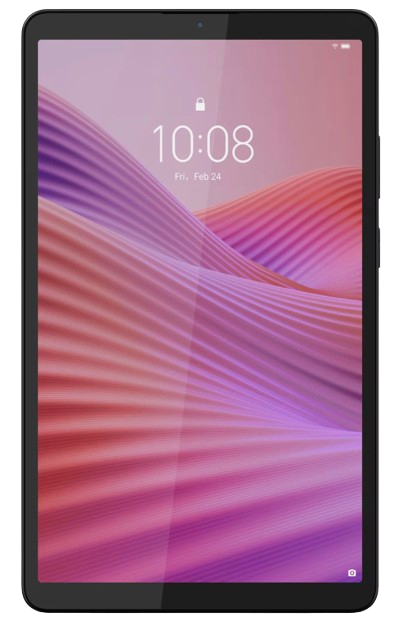
Best Buy · Verified 1 day ago
$90 $200
free shipping
more
↑ less
In the Best Buy Black Friday sale, the Lenovo Tab One tablet is down to just $90. That's another $10 drop since last week and an all-time low for this tablet. It has a 8.7" HD+ screen, 4GB of RAM, and 64GB of storage. My Best Buy members get free shipping on all orders (it's free to join). Buy Now at Best Buy
Features
- MediaTek Helio G85 processor
- 1390 x 800 HD+ display
- 4GB RAM & 64GB storage
- Android 14 OS
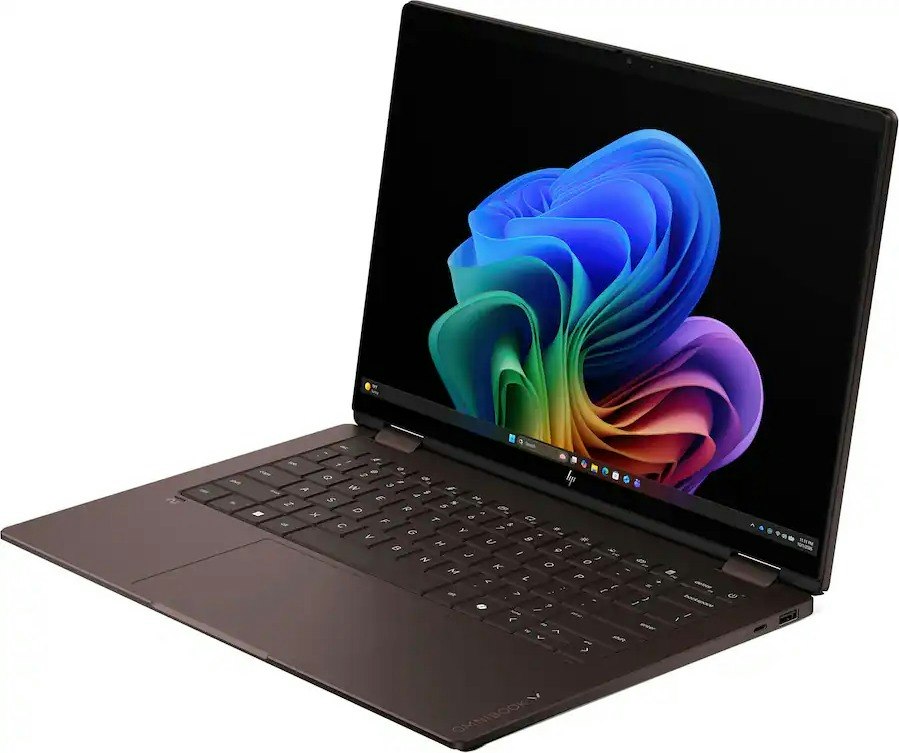
Best Buy · Verified 1 day ago
$650 $1,300
free shipping
more
↑ less
As one of Best Buy's Black Friday deals, this HP OmniBook X Flip drops to $650 — that's half off. The 14" touchscreen uses an OLED panel, and the laptop weighs just over 3 lbs. A 65W USB-C charger is included. My Best Buy members get free shipping on all orders (it's free to join). Deal ends November 28. Buy Now at Best Buy
Features
- Functions as a laptop or a tablet
- 14" 2K (1920x1200) OLED touchscreen
- AMD Ryzen AI 5 430 processor, Copilot+ PC
- 16GB memory & 512GB SSD storage
- Up to 24.5 hours of rated battery life
- Weighs 3.09 lbs. and measures 0.57" thin
- Wi-Fi 7, 2 USB-C ports, 2 USB-A ports, & HDMI 2.1
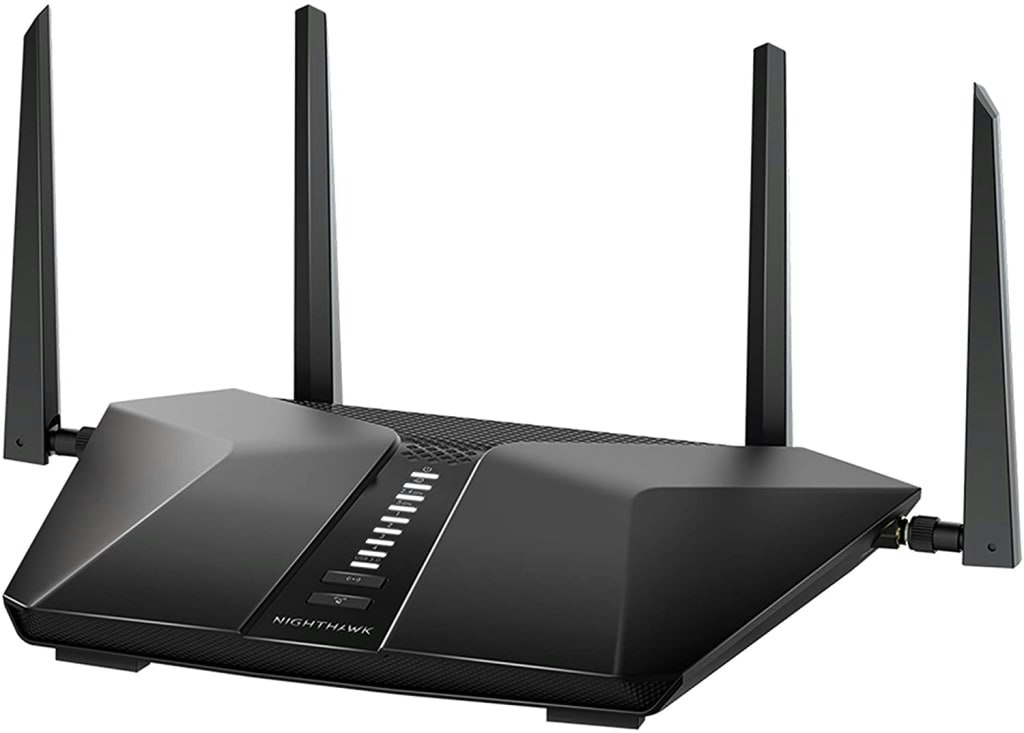
Best Buy · Verified 1 wk ago
$40 $250
free shipping
more
↑ less
This Netgear Nighthawk AX4200 router costs just $40 in Excellent refurbished condition today at Best Buy. That's around $100 less than what you'd pay for a new model, so a great deal. The Wi-Fi 6 router is backward compatible with older Wi-Fi 5 devices, and it comes with a 90-day warranty. My Best Buy members get free shipping on all orders (it's free to join). It comes with a 90-day warranty. Buy Now at Best Buy
Features
- 2,000 square foot coverage
- 4 x 1G Ethernet ports
- 1.5GHz triple-core processor
- Amazon Alexa and Google Assistant voice control
- Up to 4.2 Gbps
Best Buy · Verified Oct 25, 2026
$199 $419
free shipping
more
↑ less
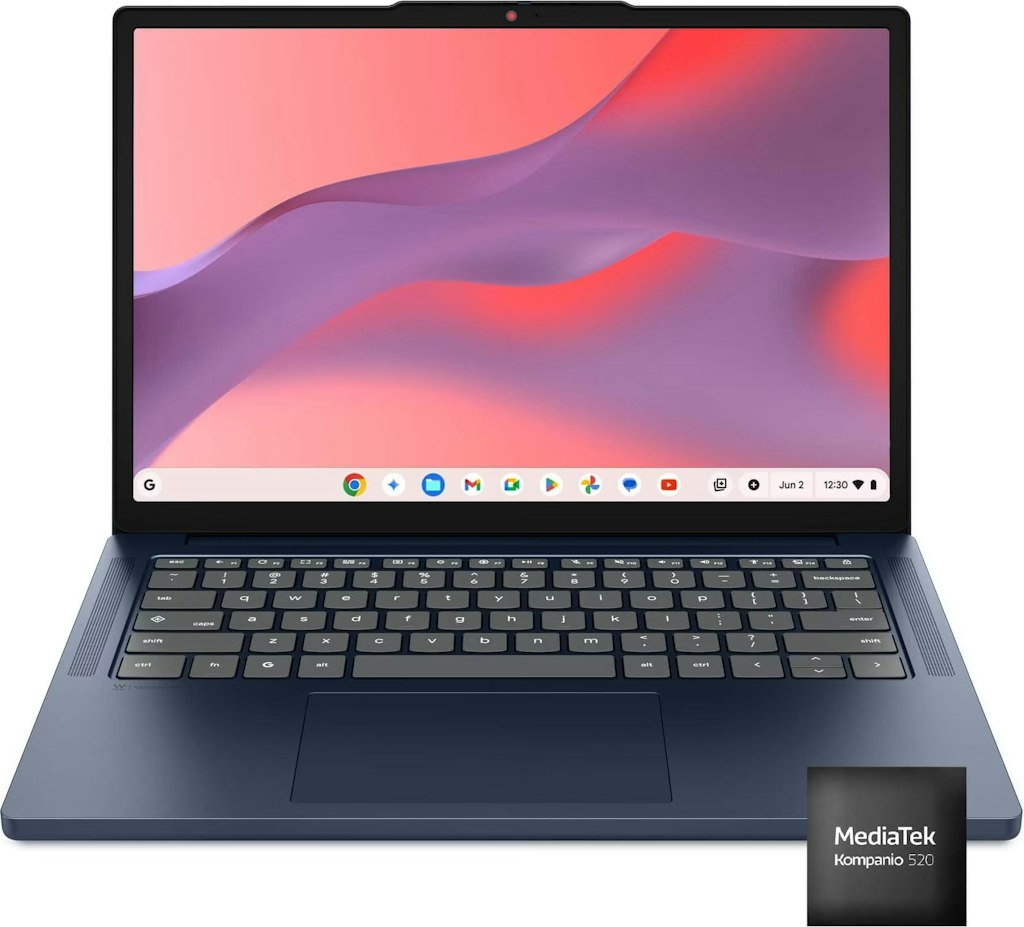
Best Buy has got the Lenovo IdeaPad Slim 3 Chromebook for $199. That's $101 cheaper than Amazon's best price and within $10 of the best deal we've seen for this build. It has a 14" 2K touchscreen display, a feature not typically found on budget Chromebooks. Shipping is free, too. Buy Now at Best Buy
Features
- 18-hour battery life
- 14-inch 2K IPS touchscreen display
- High-speed Wi-Fi 6E connectivity
- Front-facing Waves-tuned speakers
- MediaTek Kompanio 500 series processor
expired
Best Buy · Jan 9, 2026
$650 $1,050
free shipping
more
↑ less
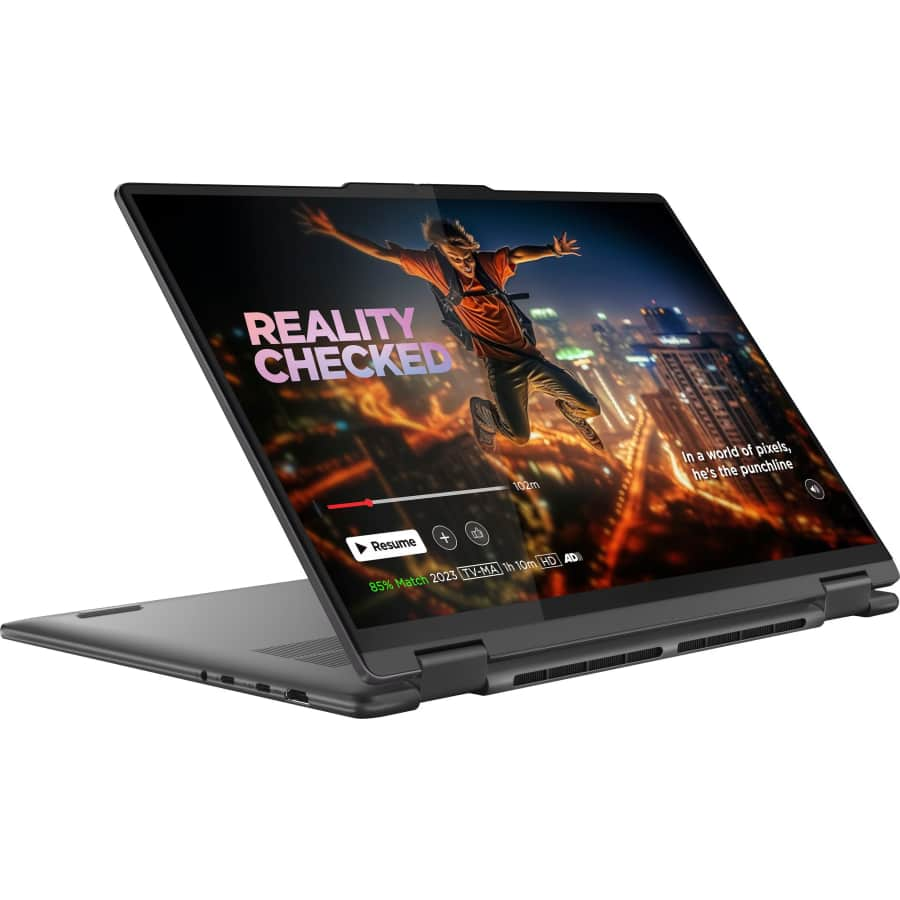
Target charges $800. Buy Now at Best Buy
Features
- Intel Core Ultra 7 155U 1.2GHz Meteor Lake 12-core CPU
- 16" 1920x1200 (2K) IPS LCD
- 16GB RAM & 1TB SSD
- Windows 11 Home 64-bit
Best Buy · Verified 1 day ago
$70 $200
free shipping
more
↑ less
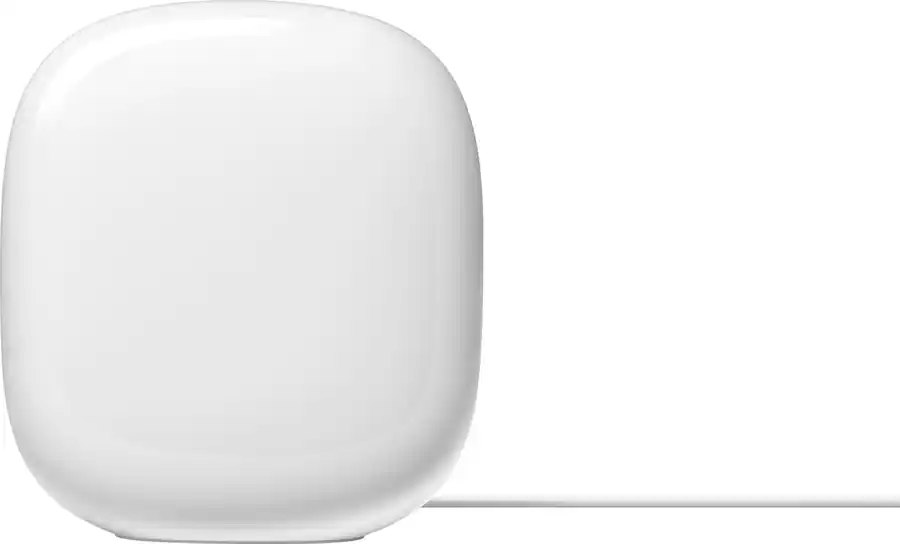
As part of Best Buy's Black Friday sale, this Google Nest Wifi Pro 6E router drops to $70, saving $130 off the $200 regular price. My Best Buy members get free shipping on all orders (it's free to join). It covers up to 2,200 sq. ft. and cannot be paired with earlier Google Wifi or Nest Wifi models. Buy Now at Best Buy
Features
- Wi-Fi 6E tri-band with 2.4, 5, and 6 GHz bands
- Covers up to 2,200 sq. ft. with one router
- Speeds up to 5.4 Gbps
- Includes 1 router
- Built-in parental controls & a separate guest network
- Not compatible with earlier Google Wifi or Nest Wifi
Best Buy · Verified 2 days ago
$1,450 $2,300
free shipping
more
↑ less
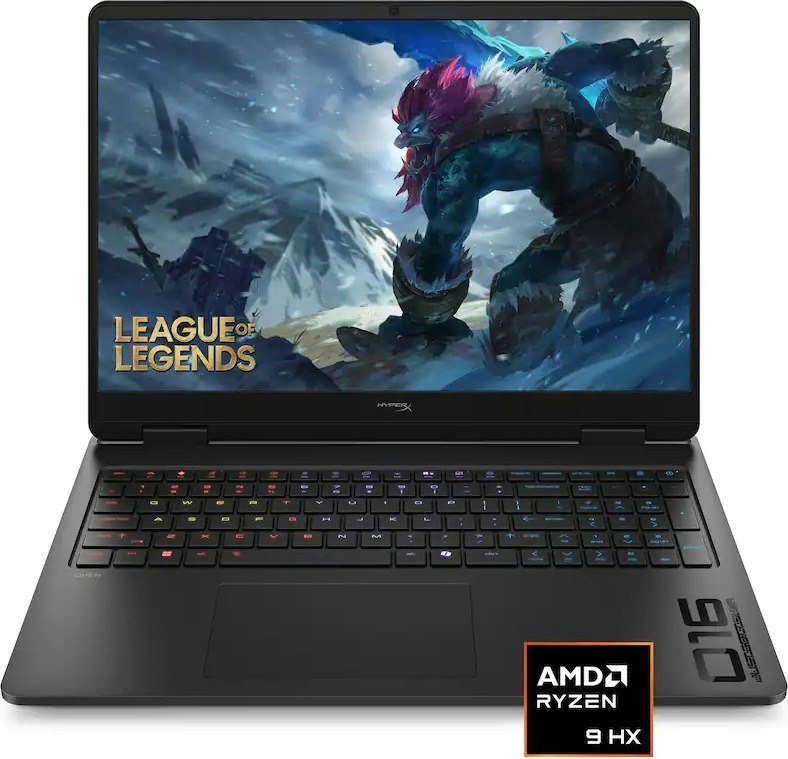
Best Buy's Black Friday deal takes the HyperX HP OMEN 16 gaming laptop to $1,450, which is $850 off. The OLED screen runs at 165Hz and the laptop pairs an RTX 5060 graphics card with 1TB of storage. My Best Buy members get free shipping on all orders (it's free to join). Deal ends November 28. Buy Now at Best Buy
Features
- 16" 2560 x 1600 OLED display with 165Hz refresh rate
- NVIDIA GeForce RTX 5060 8GB GPU
- 16GB DDR5 memory & 1TB SSD
- Wi-Fi 7 & Bluetooth 6.0
- Weighs 5.47 lbs. and measures 1.8" thin
staff pick
Best Buy · Verified Oct 25, 2026
$40 $80
free shipping
more
↑ less
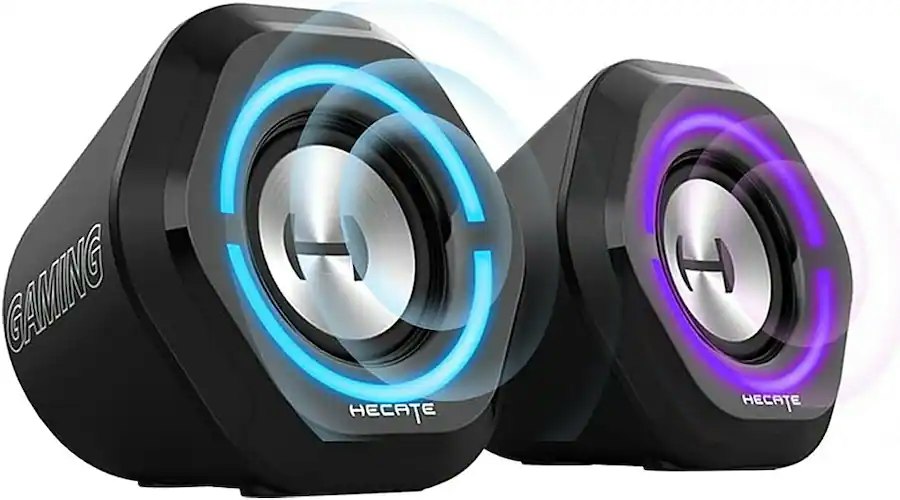
Best Buy has the Edifier G1000 2.0 Bluetooth Gaming Speakers in Black or White right now for $39.99. That's their best-ever price and half of what Amazon is currently charging for these. My Best Buy members get free shipping on all orders (it's free to join). Buy Now at Best Buy
staff pick

Preorders from $849 + $50 Best Buy GC
free shipping
more

↑ less
WHY I PICKED IT
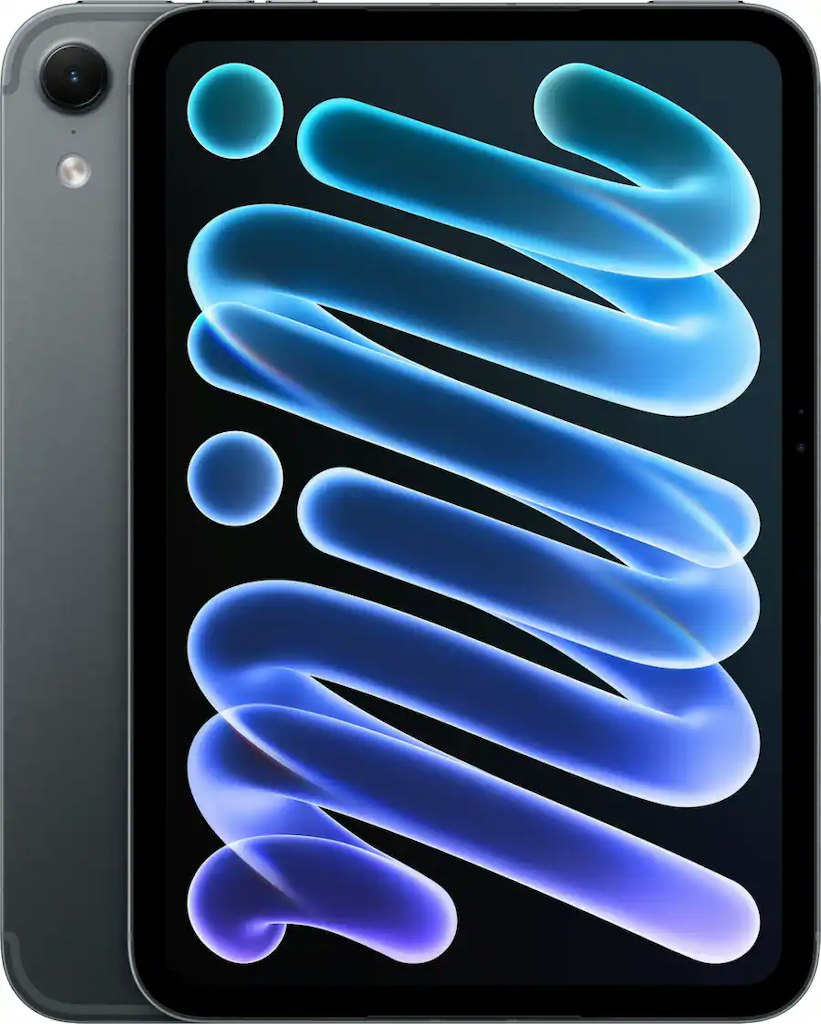
"Best Buy's free gift card makes this the best preorder option for the new iPad mini. Put it towards an Apple Pencil or new AirPods."
Andy Frank
Preorders for the unlocked Wi-Fi + Cellular Apple iPad mini start at $849 for the 128GB, and it ships free on its November 6 release date. A free $50 gift card is included with purchase. Best Buy also lists $10 to $30 off an Apple Pencil bought with the tablet and $10 off Microsoft 365 with an Apple device. Buy Now at Best Buy
Features
- Apple A20 Pro chip
- 8.5" OLED display with 2316 x 1512 resolution
- 128GB storage
- Wi-Fi 7 & 5G cellular, unlocked
- Touch ID, USB-C, and 12MP front camera
- Works w/ Apple Pencil Pro & Apple Pencil (USB-C)
staff pick
Best Buy · Verified 1 wk ago
$24 $70
free shipping
more
↑ less
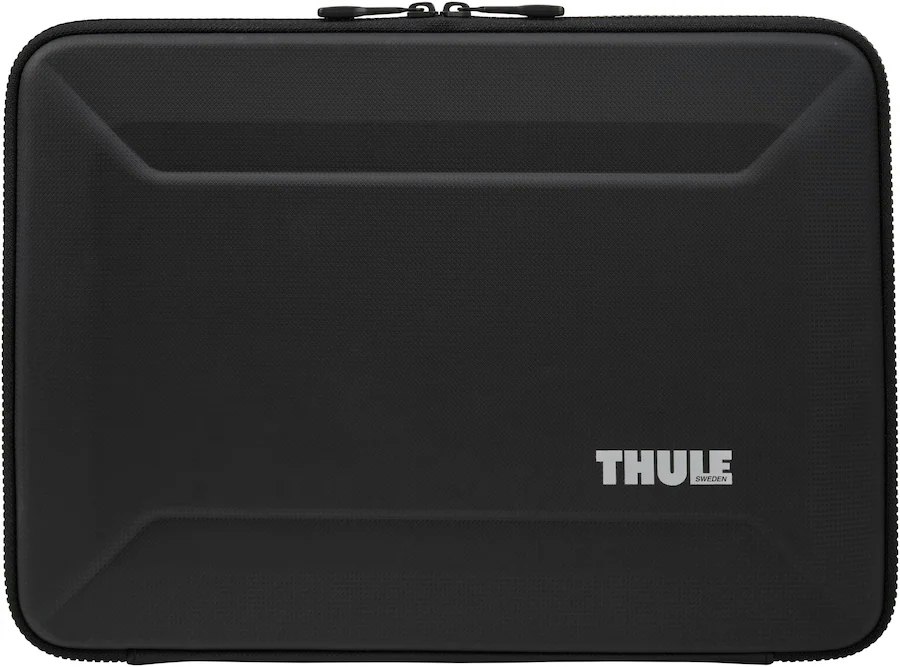
Best Buy offers the Thule Gauntlet Laptop Sleeve Case in several colors for $24.48. That's an all-time low, and most merchants charge around double. My Best Buy members get free shipping on all orders (it's free to join). Buy Now at Best Buy
staff pick
$190 $290
free shipping
more
↑ less
WHY I PICKED IT
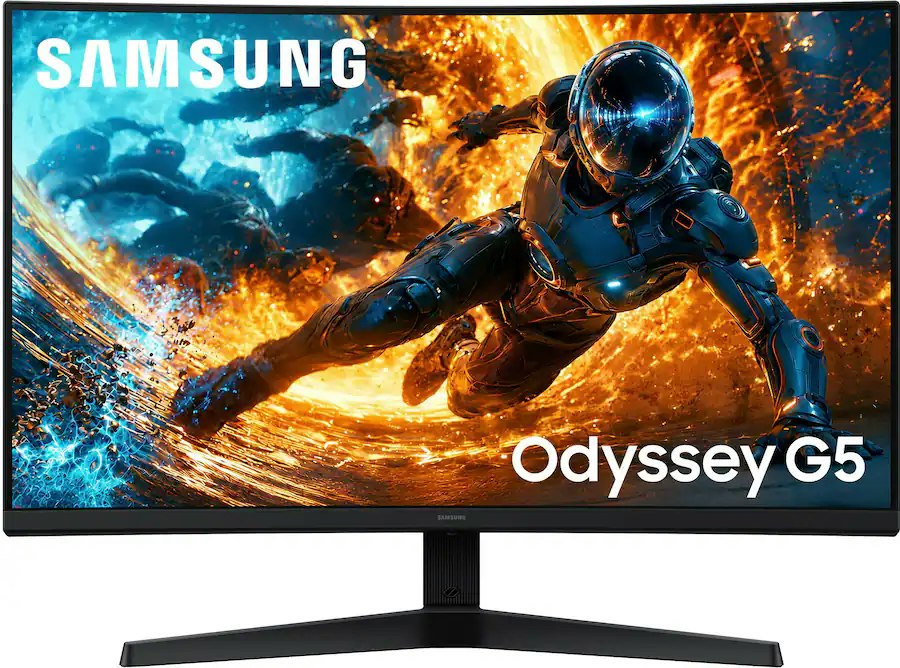
"You could expect to pay around $50 more for these specs on another brand of monitor currently, making this a solid choice for a curved gaming monitor on a budget."
As part of the Best Buy Black Friday sale, this Samsung Odyssey G5 gaming monitor is $190. That's $100 off. Shipping is free. Buy Now at Best Buy
Features
- 32" curved 1000R screen
- 2560 x 1440 QHD resolution
- 180Hz refresh rate with 1ms response time
- AMD FreeSync support
- HDR10 support
- Includes 1 DisplayPort and 1 HDMI input
Computers: The Basics
Shopping for computers doesn’t have to drain your savings — if you know how to find the best prices. Our team of experts review the sales and publish the best computer deals so you don’t have to work half as hard.
How to Save on Streaming Services
Computers: The Basics
Shopping for computers doesn’t have to drain your savings — if you know how to find the best prices. Our team of experts review the sales and publish the best computer deals so you don’t have to work half as hard.
Basic Computer Terminology
You don’t have to be a tech wiz to buy your next computer. Make note of these common terms to help you when you’re shopping computer sales!
- Operating System (OS): This is the system that controls how your computer performs basic functions. The most common operating systems you’ll see right now are Windows 10 and Mac OS X. They perform comparably, so picking one relies on personal preference.
- Random-access memory (RAM): The short-term memory of your computer. Your RAM controls how quickly and efficiently your computer is able to switch between tasks. The higher the RAM, generally, the better the performance.
- Processor (CPU): The powerhouse or “brain” of the computer, your processor handles your computer’s basic instructions, such as using your mouse and keyboard, or running applications. The two most popular CPU manufacturers are AMD and Intel. You can read about which processor is right for you in this article from Digital Trends.
- Storage: There are two types of physical computer storage, hard drives (HD) and solid state drives (SSD). SSD storage is more common these days because they are more stable and faster. While it’s ideal to aim for greater storage space, a bigger drive will cost more money. Determine your storage needs based on how you plan to use your computer. Abt recommends starting with at least 500 GB of storage space.
Additionally, some providers, like Verizon, offer streaming perks with select plans, giving you months of access to services like Disney+, Hulu, and ESPN+ at no extra cost. Annual payment options can also help you save, as they often come with a discount equivalent to getting one or two months free. For those on a budget, ad-supported plans provide the same great content at a fraction of the cost. Visit our Disney+ Subscription Cost page to explore pricing and options.
What Deals Are Available on Disney+ Bundles?
Disney+ bundle deals provide significant savings when combining services. For example, the Verizon Disney Bundle offered six months of Disney+, Hulu, and ESPN+ for free with select Unlimited plans. Bundles like the Disney+ Premium annual plan ($159.99) save you the cost of two months compared to monthly payments. Bundle options like the ad-supported Duo Basic plan (Disney+ and Hulu) start at $10.99 per month, while ad-free Duo Premium is $19.99. Learn more on the Disney+ Bundle Deals page.
You can also explore seasonal and promotional deals during events like Black Friday to maximize your savings. Check out the Best Disney+ Deals page for current offers.
How Much Is a Disney+ Subscription?
Disney+ subscriptions currently start at $8 per month for the ad-supported Basic plan, while the Premium ad-free plan is priced at $13.99 per month or $139.99 annually. Prices will increase beginning October 17, 2024, with the Premium plan rising to $15.99 per month or $159.99 annually. Explore all pricing options on the Disney+ Subscription Costs page.
Best Disney+ Deals
Disney+ offers value-packed streaming bundles, such as the Disney+, Hulu, and Max bundle starting at $17 per month with ads or $30 per month ad-free. Disney+ also supports paid sharing, allowing you to add one extra member for $6.99 per month with Basic or $9.99 per month with Premium. Prices are increasing on October 17, 2024, so finding deals like these is more important than ever. For more information, visit our Best Disney+ Deals page.
Annual Disney+ Subscription Costs
Disney+ Premium annual plans cost $139.99 but will rise to $159.99 on October 17, 2024. Opting for the annual plan saves you the equivalent of two months compared to monthly billing. Note that annual payments are only available for standalone Disney+ Premium plans and not for bundles. Customize your subscription to include ad-supported or ad-free options with Hulu, ESPN+, or Max. See all pricing details on the Disney+ Subscription Cost page.
Basic Computer Terminology
You don’t have to be a tech wiz to buy your next computer. Make note of these common terms to help you when you’re shopping computer sales!
- Operating System (OS): This is the system that controls how your computer performs basic functions. The most common operating systems you’ll see right now are Windows 10 and Mac OS X. They perform comparably, so picking one relies on personal preference.
- Random-access memory (RAM): The short-term memory of your computer. Your RAM controls how quickly and efficiently your computer is able to switch between tasks. The higher the RAM, generally, the better the performance.
- Processor (CPU) : The powerhouse or “brain” of the computer, your processor handles your computer’s basic instructions, such as using your mouse and keyboard, or running applications. The two most popular CPU manufacturers are AMD and Intel. You can read about which processor is right for you in this article from Digital Trends.
- Storage: There are two types of physical computer storage, hard drives (HD) and solid state drives (SSD). SSD storage is more common these days because they are more stable and faster. While it’s ideal to aim for greater storage space, a bigger drive will cost more money. Determine your storage needs based on how you plan to use your computer. Abt recommends starting with at least 500 GB of storage space.
Basic Software for Your PC
When you start using your new computer, you’ll want to install some basic software to get going. Most pre-built computers come with a suite of software pre-installed with the OS.
Productivity Tools
Whether you opt for a package like Microsoft Office or iWork, opt for freeware like Open Office, or choose an online software pack like G Suite, it’s always a good idea to install a productivity software to help you with tasks like making spreadsheets, word processing, and viewing PDFs.
Internet Browser
Microsoft Edge and Safari are the standard browsers that come with a new computer, but many shoppers rely on browsers like Google Chrome or Mozilla Firefox.
Cloud Storage
Not only does cloud storage give you more space than the limited physical storage on your PC, but it also gives you access to your files anywhere. Many companies like Google or Dropbox offer a limited amount of free cloud storage.
Antivirus Software
Antivirus tools do more than simply keep viruses at bay; they also protect against malware, phishing, adware, spyware, and more. Windows 10 comes with Microsoft Security Essentials as a default, and security options are built into Mac OS X (as opposed to a standalone program). That said, antivirus suites like Norton, McAfee, and Bitdefender may offer you more protection.
Media Player
Many laptops and desktops no longer include a physical media drive. If you plan on watching any videos locally (not streamed online), it’s useful to have a media player. Typically, this software is built in, but check out this list for some info on the best media players for Windows 10 and this one for Mac.
Music Player
Not to be confused with a media player, a good music application is worth installing on your computer. Spotify, iTunes, and Pandora are some common favorites that give you access to a practically limitless selection. The desktop versions make it easier to browse and build playlists.
Computer Deal Subcategories
DealNews offers the best deals on computers and computing accessories. You can browse our deals in different categories including, but not limited to:
Whether you’re looking for a new work laptop, or want to find a quality gaming system, check out our selection of the best laptop deals here.
Did you know you should replace your computer every 4 to 5 years to keep up with the latest performance and security updates? Check out the best computer deals for your next desktop here.
Did you know that DealNews first launched as a deal website for Apple Macintosh products? While we’ve grown significantly since then, we still know how to find the best Apple computer deals!
Maybe you’re in the market for a larger streaming device for your kids, or maybe you’d like a device to serve as your e-reader (with a few extra perks). Whatever you’re searching for, check out the best tablet and iPad deals here.
- Peripherals
Routers , monitors , input devices , and more! These devices make using your computer more comfortable and practical. Be sure you search our site to save big!
When shopping computer sales, check out DealNews before going anywhere else, so you know you’ll always find the best deals!
Frequently Asked Questions
Should I purchase a laptop or desktop?
It’s important to review your needs before buying a laptop or desktop computer.
- What’s your budget? Because they’re bigger and more modular, desktop computers tend to outperform laptops. A desktop’s customizability means your budget can go a lot further. However, laptops have other advantages over desktops.
- Do you need portability? High-end laptops are generally more expensive, but a laptop will always win the portability debate.
- How much power do you need? Desktops have more room to work with, so you can add more RAM, more storage, a bigger graphics card, and other performance improvements. But if you don’t need all that, then a mid-tier laptop may be the cheaper choice.
- Are you a gamer? Laptops that are built for gaming are among the most expensive on the market. That said, if you’re not comfortable selecting individual pieces to build a gaming desktop, you may be willing to pay a premium to get that performance.
- Don’t forget the repairs. If you’re handy, you can often repair or replace parts in a desktop computer with the help of online guides. Most laptops require specialized tools and skills to repair, so desktop fixes tend to be cheaper.
Overall, desktop computers have a lot of advantages, but the lack of portability can be a deal breaker. No matter what you decide, be sure to check out specs and buying guides from the DealNews Blog and other reputable sources like CNET or PCMag. Then shop DealNews for the best computer deals!
How do I get my external hard drive to show up?
Once you’ve ensured that your external drive is plugged in and powered on, check out these steps from PCMag:
- Try a different USB port.
- Try a different PC.
- Update your drivers.
- Format the drive.
What is a VPN?
VPN stands for “virtual private network.” A VPN protects your internet usage by routing your internet connection through a private server. Using a VPN keeps your online browsing more private and also grants you access to websites and content that may not be available in your country.
For more information about VPNs, visit our NordVPN Free Trial Guide and our NordVPN Subscription Cost Page.
How can I boost my WiFi signal?
When your internet connection seems impossibly slow, the cause isn’t your provider, but your WiFi signal strength. Check out these options to boost your WiFi signal:
- Update your router firmware. Each router is different, but you can typically use the steps found here to run updates.
- Place your router in the most optimal space. You want to place your wireless router away from walls or obstructions. If possible, put it in the most central place in your home.
- Pick a different frequency. If you have a dual-band router, try using the 5GHz band. This band offers higher speeds and may get an additional boost if fewer devices are connected to it.
- Change the channel. While most routers will automatically choose the channel with the least congestion, some cheaper routers may require you to manually update it.
- Upgrade your router. How old is your current router? If it's a previous-generation 802.11b model, upgrading could improve your wireless signal. If you already have a newer 802.11n or Wi-Fi 6 router, you're in good shape.
- Replace the antenna. You may boost your signal by adding or replacing an external antenna. PCMag recommends purchasing one marked “high-gain” and opting for a directional antenna rather than an omnidirectional one.
- Add a wireless range extender. If you only want to boost coverage in one or two rooms, a WiFi extender can help you eliminate dead spots. Check out this guide from the DealNews Blog.
Switch to a mesh WiFi system. Wireless mesh networking is becoming more popular because it can provide more complete coverage throughout the home. Mesh systems replace your router and work seamlessly to eliminate coverage gaps.
By: Kristen Harris, Manager
A Georgia girl with three years of experience in IP Law and grounded in understanding marketing and consumer motives. When she's not working with the fabulous staff of DealNews, you can find her whining at rowing practice and browsing the Hot Deals on the site.
Want to know the moment we post a great deal on Computers?
Create an Alert