Walmart · Verified 1 wk ago
$90 $260
free shipping
more
↑ less
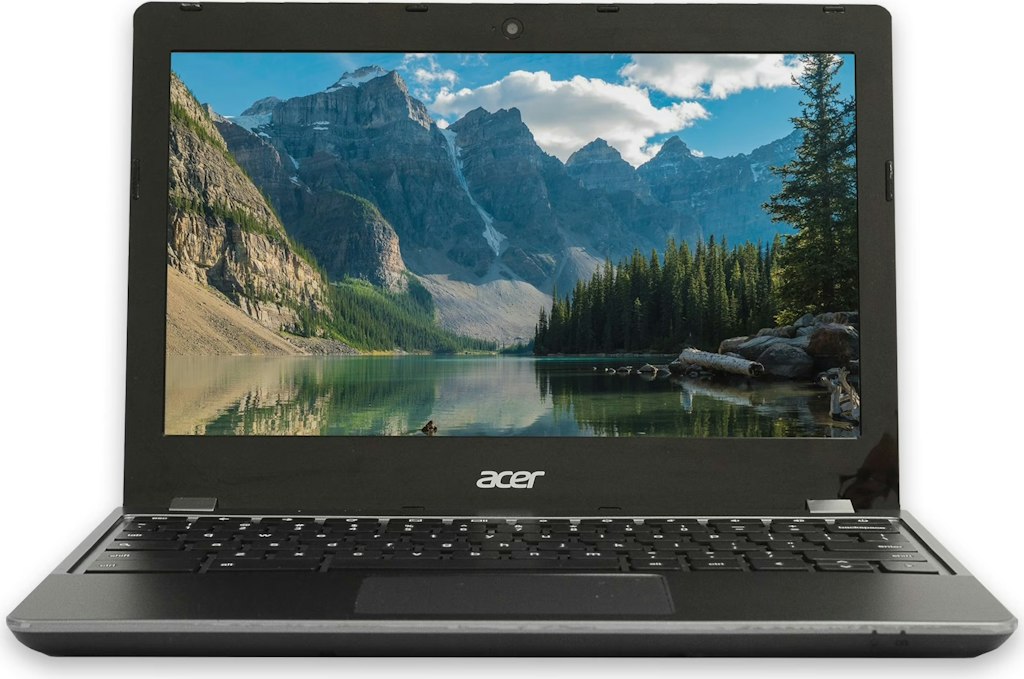
Walmart offers this refurbished Acer Chromebook C740 for $90 with free shipping. That's $170 less than you'd pay for a new one. No warranty details are provided. Buy Now at Walmart
Features
- Intel Celeron 1.6GHz CPU
- 4GB DDR3 memory
- 16GB solid state drive
- 11" 720p display
- Chrome OS with WiFi and HDMI
Amazon · Verified 1 wk ago
$200 w/ Prime $270
free shipping
more
↑ less
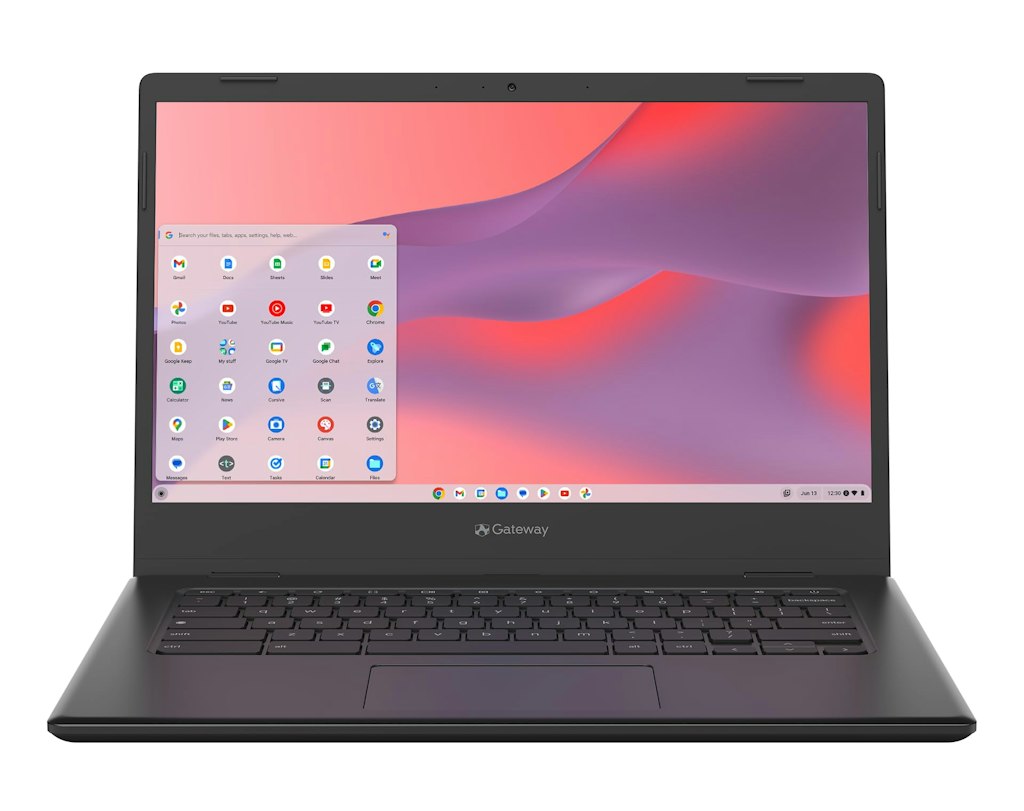
This Gateway Chromebook is $70 off and at the best price we've seen since the previous Prime Day sale. It runs Chrome OS with 4GB of memory and 64GB of storage, paired with a 14" Full HD display. Buy Now at Amazon
Features
- Intel Celeron N4500 dual-core processor up to 2.8GHz
- 14" Full HD (1920 x 1080) display
- 4GB LPDDR4X memory & 64GB eMMC storage
- Wi-Fi 5 (802.11ac) & Bluetooth 5.0
- HD webcam (1280 x 720) with 720p recording
- Up to 10.5 hours of battery life
Walmart · Verified 3 days ago
$290
free shipping
more
↑ less
Update: The price has dropped to $289.99 since this was originally published.
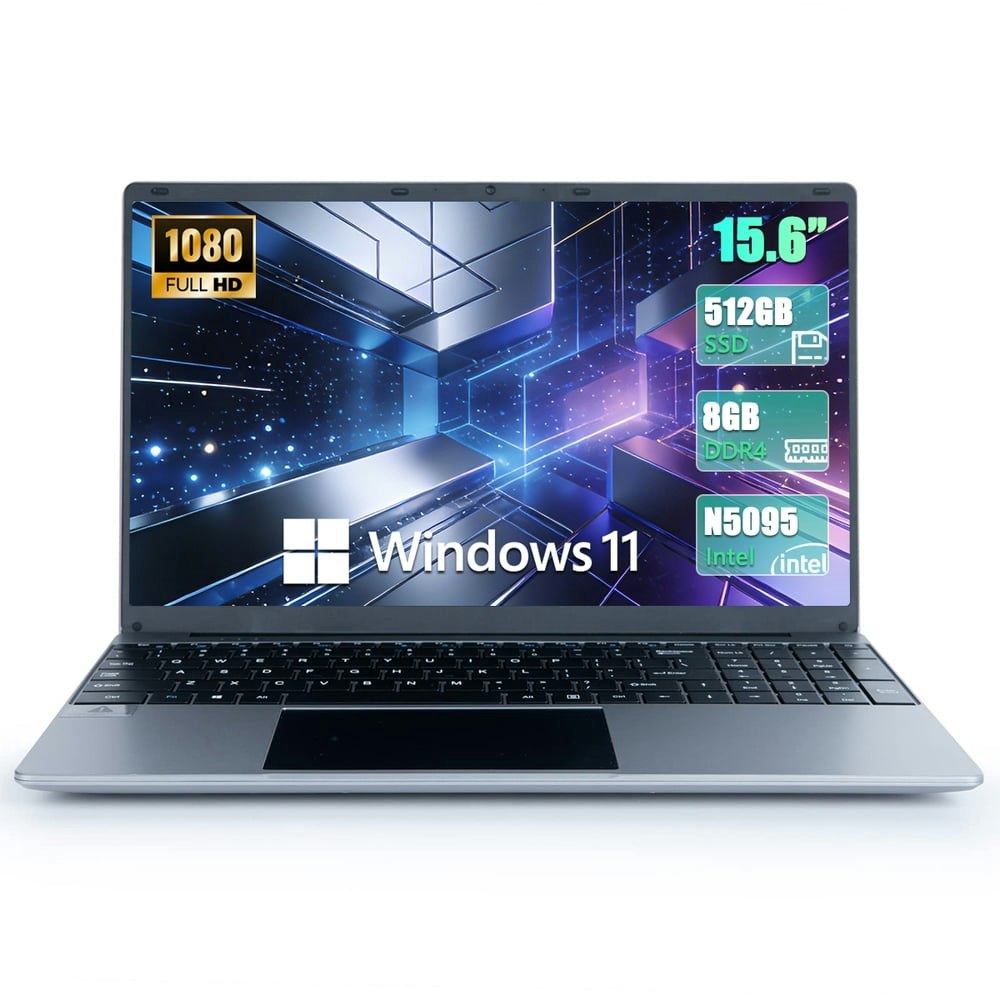
Worth a look if you need a basic laptop for browsing, email, and document work without spending much, since the 8GB RAM and 512GB SSD combo covers everyday tasks better than most budget laptops in this price range. Walmart has it for a price that undercuts what you'd typically pay for similar specs elsewhere. Buy Now at Walmart
Features
- 8-hour battery for all-day use
- 2.4G/5G dual-band Wi-Fi connectivity
Laptops: The Basics
Buying a new laptop can be tricky. There’s a myriad of manufacturers, specs, operating systems, and a revolving door of new releases and updates to keep track of. The first and most important thing you should consider when purchasing a laptop is, “What is the primary use for my laptop?”
Once you answer this question, the field narrows, and you can start hunting for the best laptop deals on the perfect laptop for you. To get you started, here are a few ways you might use a new laptop:
Types Of Laptops
Ultrabooks/Ultra-Thin Laptops: Design: Slim and lightweight, less than 0.7 inches thick, 2-3 pounds, prioritize portability and aesthetics. Use Case: Ideal for professionals and students needing portability for productivity tasks, web browsing, and general computing with good battery life and fast performance.
Gaming Laptops: Design: Bulkier and heavier with powerful hardware, often featuring RGB lighting and an aggressive design. Use Case: Designed for gamers, equipped with high-end CPUs and GPUs for graphically demanding games, high-refresh-rate displays, and advanced cooling systems.
Disney+ Subscription Overview
Disney+ offers an extensive library of entertainment, including classics, Marvel movies, Star Wars, and National Geographic content. For budget-conscious viewers, the standard Disney+ subscription provides access to exclusive shows and movies at an affordable monthly fee.
Disney+ Bundle
For those who enjoy a mix of content, the Disney+ Bundle combines Disney+ with Hulu and ESPN+ at a discounted rate. This bundle is perfect for households looking for entertainment variety, from live sports to binge-worthy series.
Exclusive Disney+ Deals for Students and Military
Students and military members can enjoy additional savings on their Disney+ subscriptions. Learn more about the Disney+ student discounts and military offers to make the most of this streaming service.
VPN Recommendations
A reliable VPN is essential for accessing geo-restricted content on streaming platforms like Disney+. By using a VPN, you can enhance your online privacy and enjoy content not available in your region. We recommend checking out these options: Best VPNs for Streaming and VPN Discounts and Offers.
Chromebooks: Design: Budget-friendly laptops running Google's Chrome OS, generally lightweight with a simplified design. Use Case: Designed for users relying on web apps and services, great for web browsing, email, document editing, and educational purposes.
If your main use will be primarily browser-based, you can find great deals on smaller laptop systems, including inexpensive Windows laptops, Chromebooks, and the MacBook Air. Such machines are also suitable for many students.
Want to know the moment we post a great deal on Laptops?
Create an Alert