Newegg · Verified 1 wk ago
$164
more
↑ less
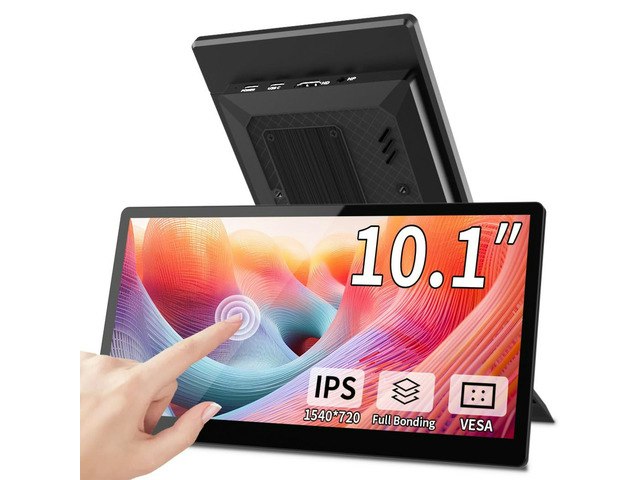
Setting up a laptop workstation on the go gets easier with a slim second screen that plugs in through USB-C or HDMI without extra power cables, handy for anyone juggling spreadsheets, chat windows, or reference material alongside their main work. At 10.1 inches, it's compact enough to toss in a bag but still gives you real multitasking room. Buy Now at Newegg
Features
- 1540x720 resolution, 60Hz refresh rate
- IPS touchscreen display
- 1x USB-C port, 1x HDMI port
- Integrated speakers
- Model: 10.1 Inch Touchscreen Mini Monitor
Newegg · Verified 1 wk ago
$165
more
↑ less
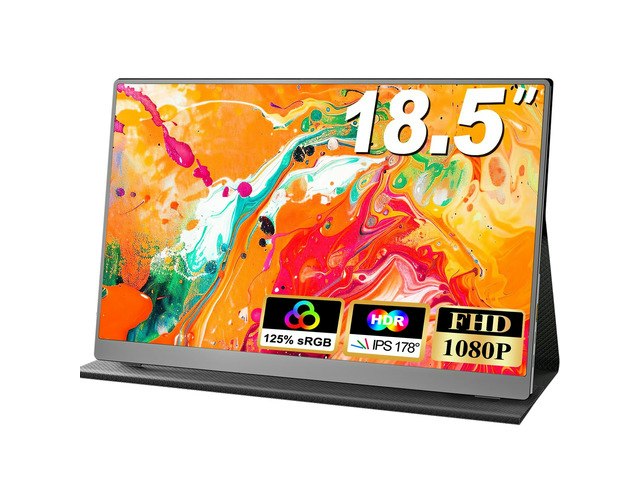
Setting up a second screen for a laptop gets a lot easier with this one, since it's small and light enough to toss in a bag but still gives you a full 1080p picture for spreadsheets, video calls, or splitting your workspace in two. Buy Now at Newegg
Features
- 1080p resolution, 120Hz refresh rate
- HDR
- 1x USB-C port, 1x HDMI port
- Built-in speakers
- Model: 18.5 Inch Portable Monitor
Newegg · Verified Oct 30, 2026
$26
more
↑ less
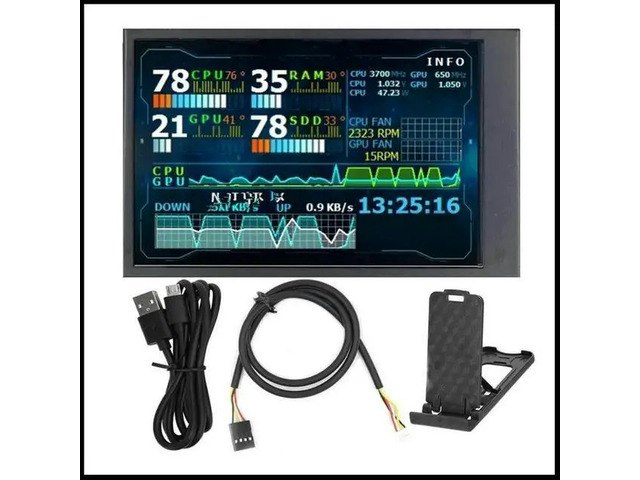
This small secondary display is handy if you want to keep an eye on system stats, temps, or chat windows without eating into your main monitor's real estate. It mounts right in your case's drive bay and runs off USB, so there's no extra cable clutter to deal with. Buy Now at Newegg
Features
- 3.5 inch IPS LCD display
- USB interface for easy connectivity
- Capacitive touch screen interface
- Integrated support for AIDA64 monitoring
- Compact PC case mounting design
Newegg · Verified Nov 2, 2026
$328
more
↑ less
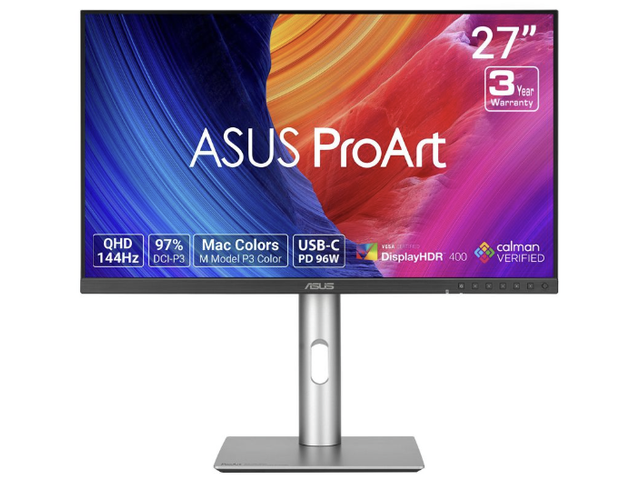
Color accuracy is the main selling point here, so it suits photo and video editors who need their screen to match what the final print or export actually looks like, with 1440p HDR and FreeSync as a bonus for everyday use or light gaming. Buy Now at Newegg
Features
- 2560x1440 (1440p) resolution, 144Hz refresh rate
- HDR400
- AMD FreeSync
- 1x USB-C port
- Model: PA278CGRV
Ends Today
Newegg · Verified Oct 27, 2026
$720 $1,000
more
↑ less
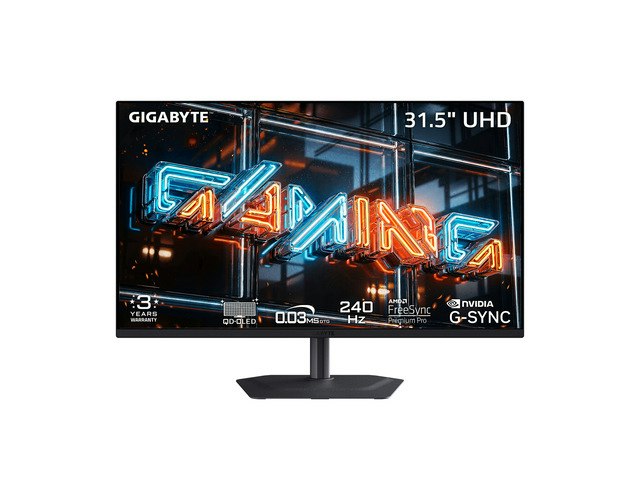
Gaming at 4K with true HDR500 brightness and OLED contrast is still rare at this size, making this a solid pick for competitive players who also want their monitor to double as a sharp media display. Newegg has it marked down $280 (28%) from the $1,000 list price. Buy Now at Newegg
Features
- 3840x2160 (4K) resolution, 240Hz refresh rate
- HDR500
- AMD FreeSync Premium Pro, G-Sync Compatible
- 1x USB-C port
- Model: MO32U24
Newegg · Verified Nov 11, 2026
$1,599
more
↑ less
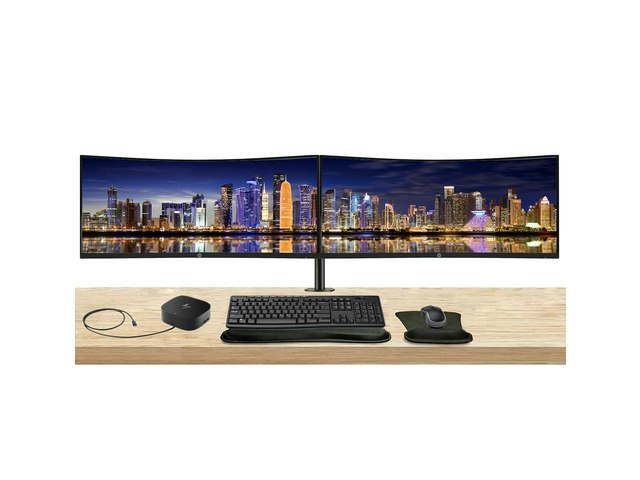
Two curved monitors in one purchase makes sense if you're setting up a multi-screen workstation or outfitting two desks at once, and the 1440p IPS panels keep colors consistent whether you're working side by side or splitting them between rooms. Buy Now at Newegg
Features
- 3440x1440 Ultrawide 1440p resolution, 75Hz refresh rate
- Built-in stereo speakers
- 1x HDMI, 1x DisplayPort, 1x USB-C port
- Integrated USB-C dock
- Model: P34HC G4
Newegg · Verified Nov 10, 2026
$212
more
↑ less
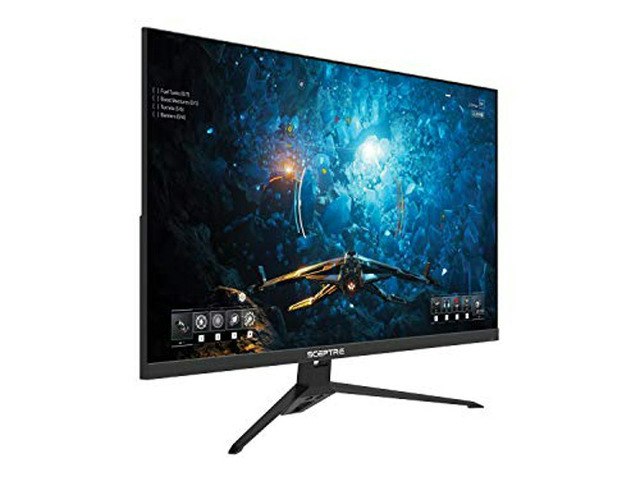
Anyone needing a second screen for spreadsheets or browsing will appreciate the IPS panel's wide viewing angles, and FreeSync helps keep casual gaming smooth without ghosting. Buy Now at Newegg
Features
- 1920x1080 (1080p) resolution, 165Hz refresh rate
- AMD FreeSync
- 1x DisplayPort, 1x HDMI
- Model: E275B-FPT165
Newegg · Verified 1 wk ago
$190
more
↑ less
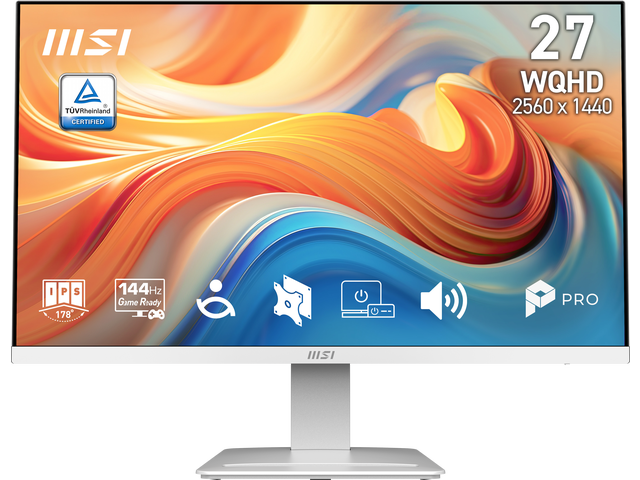
Anyone splitting time between spreadsheets and casual gaming will appreciate the jump to 1440p on an IPS panel, since text stays sharp and colors hold up even at wider viewing angles. It's a solid upgrade pick for a desk setup that's currently stuck on 1080p. Buy Now at Newegg
Features
- 1440p resolution, 144Hz refresh rate
- IPS panel with 178 degree viewing angles
- 1ms MPRT response time for minimal blur
- 1x DisplayPort 1.2a, 2x HDMI 2.0b ports
- Model: PRO MP273QW E14
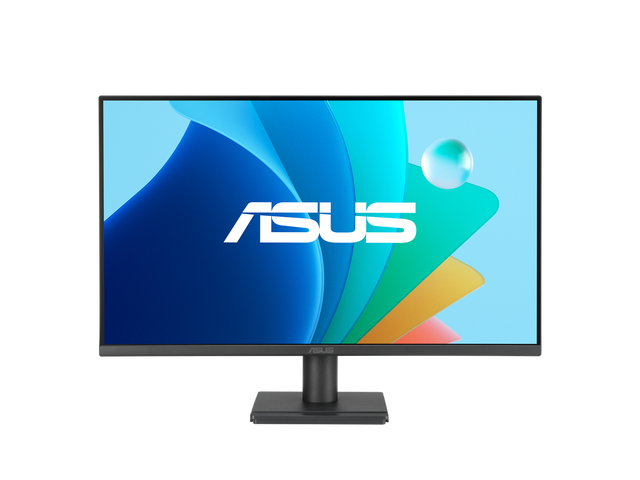
Newegg · Verified Nov 7, 2026
$198
more
↑ less
Gamers and everyday desktop users alike can appreciate the smooth, tear-free motion Adaptive-Sync provides, while the IPS panel keeps colors accurate if you're doing photo work or just watching video on the side. Newegg has this 27" model for a price that's tough to beat for the combination of specs you're getting. Buy Now at Newegg
Features
- 1080p resolution, 120Hz refresh rate
- AMD FreeSync
- 1ms response time
- 1x D-Sub port
- Model: VA279QG
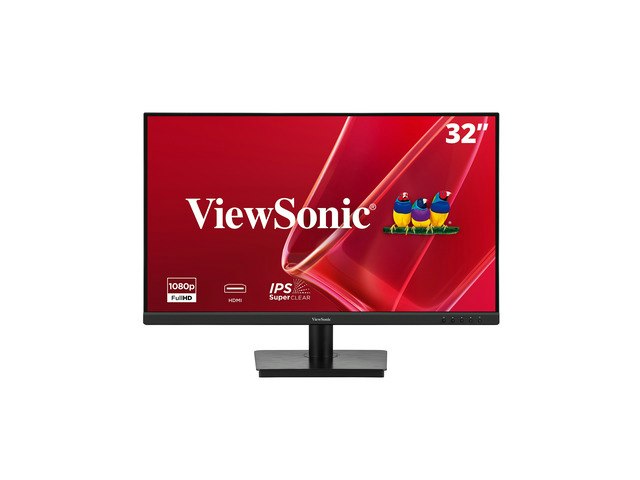
Newegg · Verified Oct 31, 2026
$162
more
↑ less
Your eyes will thank you for the extra screen real estate if you're stuck working on a cramped laptop display, and the IPS panel keeps colors accurate even when you're viewing from an angle. At 32" for a 1080p resolution, text and icons stay comfortably large, which suits anyone who prioritizes size over sharpness. Buy Now at Newegg
Features
- 1080p resolution, 75Hz refresh rate
- 32-inch IPS frameless display
- Built-in dual speakers
- HDMI, VGA connectivity
- Model: VA3209M
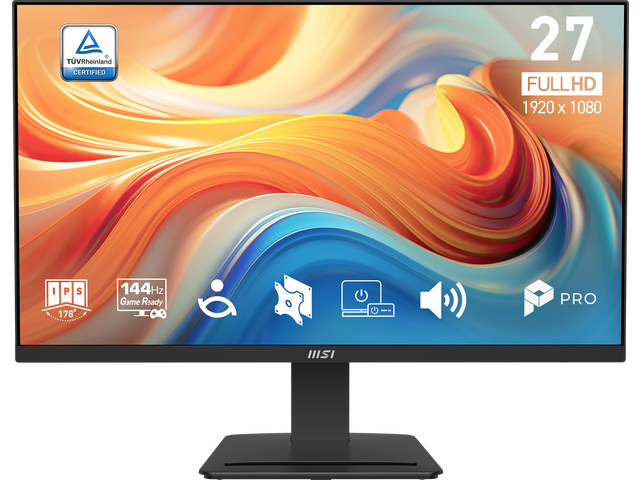
Newegg · Verified 1 wk ago
$90 $130
more
↑ less
This 27" IPS panel is a solid pick if you spend long hours at a desk and want accurate colors and wide viewing angles without paying for extras like high refresh rates, and it's currently $40 off the list price at Newegg. Buy Now at Newegg
Features
- 1080p resolution, 144Hz refresh rate
- IPS panel with 1ms response time
- Built-in speakers
- 27 inch display
- Model: PRO MP273 E14A
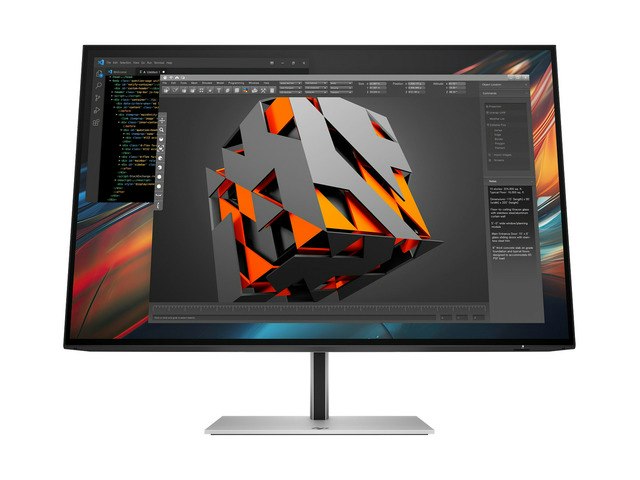
Newegg · Verified Nov 7, 2026
$277 $429
more
↑ less
This monitor suits anyone setting up a home office or dual-monitor desk who wants a sharp IPS panel for text and color work without paying for 4K, and at $277, it's $152 (35%) off the $429 list price from Newegg. Buy Now at Newegg
Features
- 1920x1200 resolution, 75Hz refresh rate
- IPS panel for 1500:1 contrast ratio
- 350 cd/m2 brightness
- 1x USB-C port
- Model: 8Y2F7AA#ABA
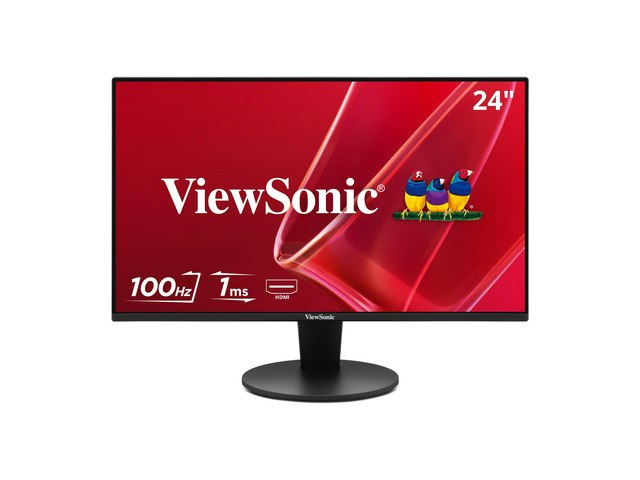
Newegg · Verified Nov 7, 2026
$135
more
↑ less
Worth a look if you're setting up a budget-friendly desk for office work or casual gaming, since the 100Hz refresh and FreeSync combo smooths out motion beyond what a standard 60Hz display offers. Newegg's price makes it an easy second-monitor pick without stretching your budget. Buy Now at Newegg
Features
- 1080p resolution, 100Hz refresh rate
- AMD FreeSync
- 1x HDMI, 1x VGA
- Model: VS2447M
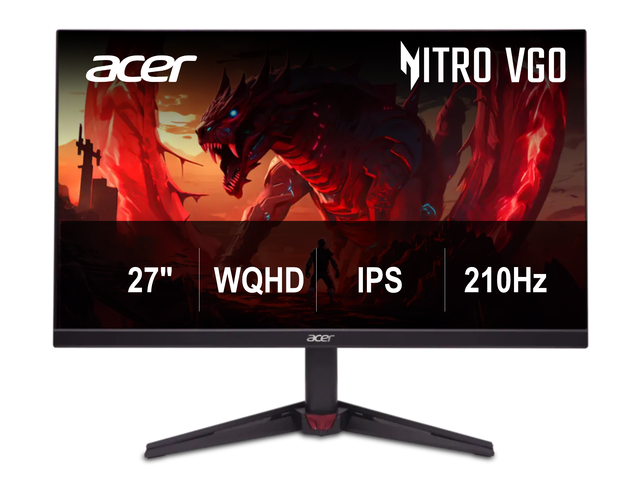
Newegg · Verified 1 wk ago
$160 $200
more
↑ less
1440p and FreeSync make this a solid pick for gamers who want sharper visuals and smoother motion without stepping up to a 4K price tag, and Newegg has it for $40 off the $200 list price. Buy Now at Newegg
Features
- 2560x1440 (1440p) resolution, 210Hz refresh rate
- AMD FreeSync Premium
- 2x HDMI 2.0 ports, 1x DisplayPort 1.2
- Model: VG270U X2bmiipx
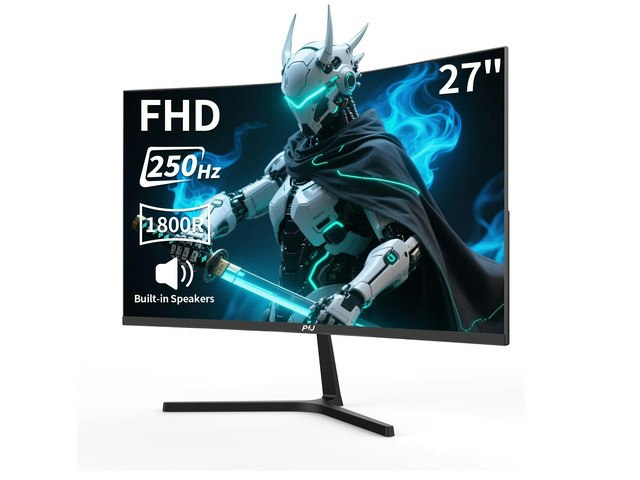
Newegg · Verified Nov 5, 2026
$195
more
↑ less
Gamers who want smoother fast-paced action should take note of the 250Hz refresh rate here, and FreeSync keeps tearing in check without needing a top-tier graphics card. The curved 27" screen adds a bit of immersion for the price, making it a solid pick if 1080p resolution is all you need. Buy Now at Newegg
Features
- 1920x1080p resolution, 250Hz refresh rate
- AMD FreeSync
- 1x DisplayPort, 1x HDMI port
- 1800R curved display
- Built-in speakers
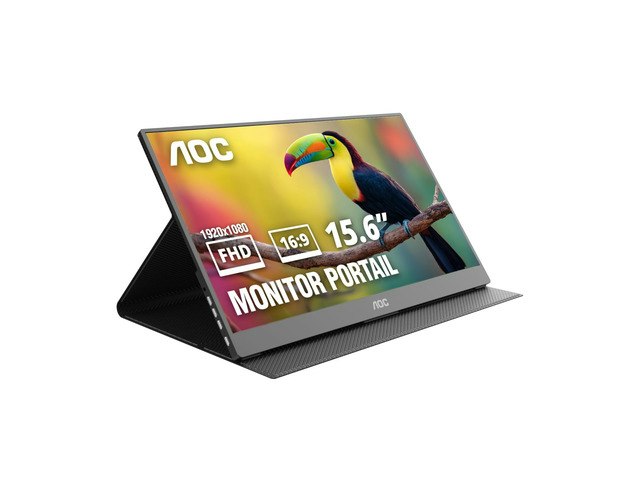
Newegg · Verified Nov 2, 2026
$105
more
↑ less
Setting up a second screen for a laptop becomes simple with this 16-inch monitor, since it's light enough to toss in a bag and only needs a single cable for power and video on most setups. It suits remote workers, students, or anyone who wants extra screen space on the road without hauling a full desktop display. Buy Now at Newegg
Features
- 1920x1080 resolution, 60Hz refresh rate
- USB-C, Mini HDMI ports
- Model: 16T20
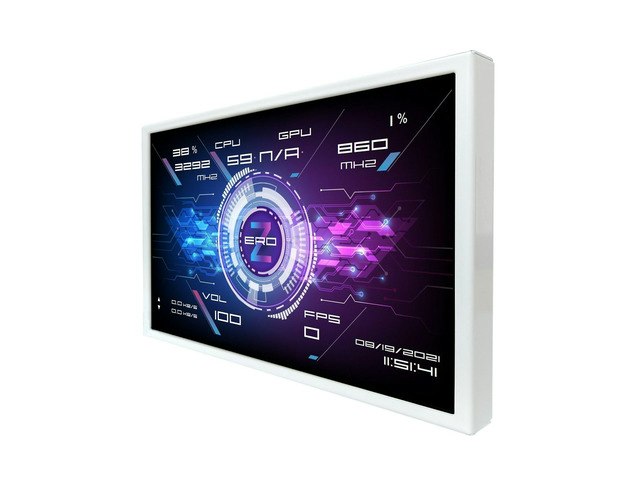
Newegg · Verified Nov 2, 2026
$145
more
↑ less
Newegg's 10.1-Inch LCD Portable Secondary Monitor suits anyone working off a laptop who needs extra screen space for reference material, chat windows, or a second workspace without lugging around a full-size display. Buy Now at Newegg
Features
- 1280x800 resolution
- 10.1-inch IPS display
- Mini HDMI input
- Portable secondary display design
- PC hardware monitoring capabilities
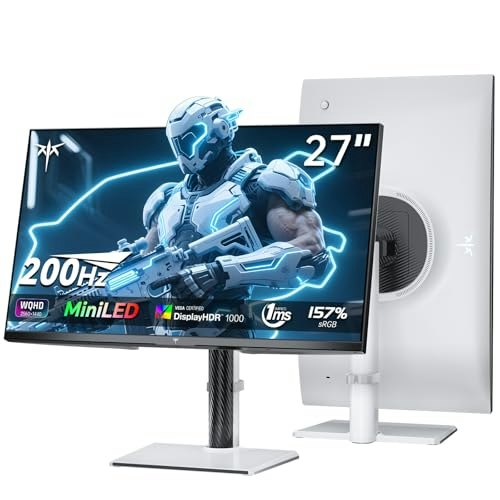
Amazon · Verified Nov 6, 2026
$300 $340
free shipping
more
↑ less
Update: The price has changed to $299.99 since this was originally published.
Mini LED backlighting gives this monitor deeper contrast and brighter HDR highlights than a standard IPS panel, making it a solid pick for gaming or content work where that difference matters. Amazon has it for $289, which is $51 off the $340 list price. Buy Now at Amazon
Features
- 2560x1440 (1440p) resolution, 210Hz refresh rate
- HDR1000
- AMD FreeSync
- 1x DP1.4, 2x HDMI2.0 ports
- Model: KTC M27T20
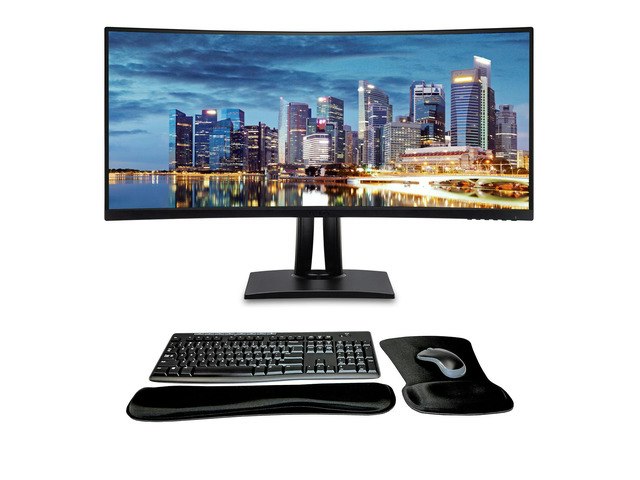
Newegg · Verified Oct 31, 2026
$859
more
↑ less
Anyone juggling multiple windows for work or editing will appreciate the extra horizontal space a 34" ultrawide provides, and the 1440p IPS panel keeps colors accurate and viewing angles wide. Newegg has it at a price worth checking before buying a standard widescreen monitor instead. Buy Now at Newegg
Features
- 3440x1440p (Ultrawide 1440p) resolution, 60Hz refresh rate
- 100W USB-C power delivery docking station
- Integrated 2x 3W speakers
- HDMI, DisplayPort, USB Hub, Ethernet connectivity
- Model: VP3456a
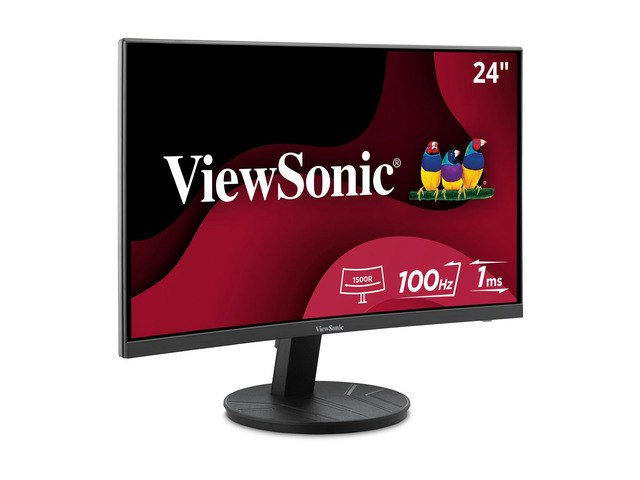
Newegg · Verified Nov 6, 2026
$165
more
↑ less
Anyone setting up a budget desk or second monitor will appreciate the 1080p curved screen, and FreeSync keeps motion smooth if you're gaming on a tight budget. Newegg's price makes it a reasonable pick for basic productivity or casual gaming without stepping up to a pricier panel. Buy Now at Newegg
Features
- 1080p resolution, 100Hz refresh rate
- 1500R curved screen
- 1x HDMI, 1x DisplayPort
- Integrated dual speakers
- Model: VA2416C
Computer Monitors: The Basics
You’ve found your perfect computer, but now you need a display. The type of monitor you should buy (and how much you’ll spend) depends on what you’re using it for. A gamer has different needs from someone who will only use their monitor for watching YouTube. No matter what you’re shopping for, DealNews has the monitor deals you need.
Common Terms
When you’re shopping for a monitor, it’s important to understand some basic terminology:
- Aspect Ratio
This measurement, expressed as two numbers separated by a colon, is a proportional representation of the monitor’s height and width. The three most common aspect ratios are 4:3, 16:9, and 21:9, with higher-end monitors available in more extreme ratios.
- Viewable Screen Area
The viewable screen is the part of a monitor that displays content, as opposed to the parts that may be covered by a border. You might see this measurement listed after the size, such as: 24’’(23.6” Viewable). Many monitors are now borderless.
- Resolution
Resolution is how many pixels make up a screen, and is described as length x width. For example, a 1080p monitor has a resolution of 1920x1080 pixels.
- Response Time
The response time is how long it takes for a monitor to change individual pixels from black to white (or in some technologies, gray to gray). This determines how sharp an image is. When viewing a monitor’s response time, the lower the number, the better.
- Refresh Rate
The refresh rate is how many times the image updates each second. This is measured in Hertz (Hz). In general, you should buy a monitor with at least a 60Hz refresh rate, but higher numbers are generally better. (Note that not all manufacturers include specs regarding refresh rate.)
-
Display Panel Types
- Twisted Nematics (TN): These panels are the fastest and most inexpensive panels on the market. But what you make up for in speed and price, you lose in color and viewing angles. TN panels are an especially good choice for gamers who need higher refresh rates, and low response time.
- Vertical Alignment (VA): Considered the middle ground between TN and IPS panels, VA monitors have good color and contrast and a mid-tier price. These panels have some of the slowest response times, so they’re best suited to general use.
- In-Plane Switching (IPS): These panels have great color and viewing angles with a response time that falls between TN and VA panels. IPS panels are the most expensive, and are best suited for professional design use.
Frequently Asked Questions
What features should I consider when purchasing a monitor?
First, think about how you’ll use the monitor. The screen size, resolution, panel type, and response time you’ll need are all heavily dependent on your use case. It’s also important to make sure your monitor has the correct inputs for your computer — if not, you should look into purchasing an adapter. Once you’ve decided on the specs you’ll need, check out DealNews for the best deals on cheap monitors.
What is a curved monitor?
Curved monitors are growing in popularity, as they can help your eyes take in more of the screen at once. If you tend to use dual monitors, a single curved monitor can typically fulfill the same role. Unfortunately, the technology is still relatively new and curved monitor prices tend to be higher.
What brands have the best monitor deals?
When it comes to monitors, finding the right brand is less important than finding the right combination of features. To help you find exactly what you need, DealNews publishes deals from many different monitor manufacturers. You can see all the monitor sales here, or you can check out monitors on our brand- and store-specific pages, including Acer , Alienware , Asus , Dell , Lenovo , LG , Samsung and more!
By: Kristen Harris, Manager
A Georgia girl with three years of experience in IP Law and grounded in understanding marketing and consumer motives. When she's not working with the fabulous staff of DealNews, you can find her whining at rowing practice and browsing the Hot Deals on the site.
Want to know the moment we post a great deal on Monitors?
Create an Alert