Newegg · Verified 4 days ago
$105
more
↑ less
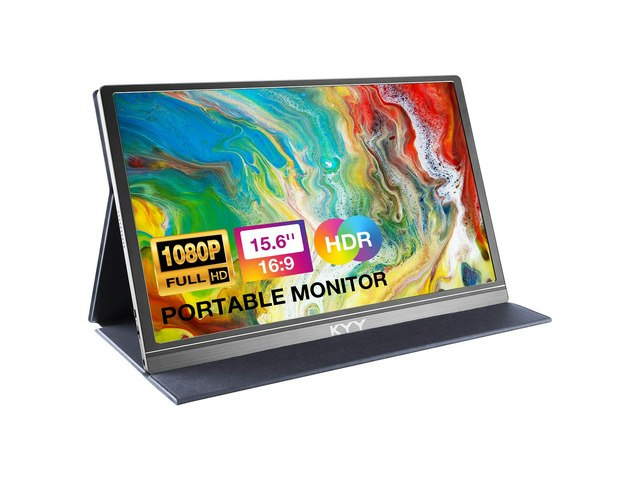
Anyone who needs a second screen for presentations, splitting documents, or working from a laptop on the road will get solid use out of this, since it packs a full 1080p display into something thin enough to toss in a bag. It's a practical pick if you're tired of squinting at one window at a time. Buy Now at Newegg
Features
- 1080p resolution
- 15.6-inch IPS screen
- HDR support
- USB-C, HDMI connectivity
- Built-in speakers
Newegg · Verified 4 days ago
$75
more
↑ less
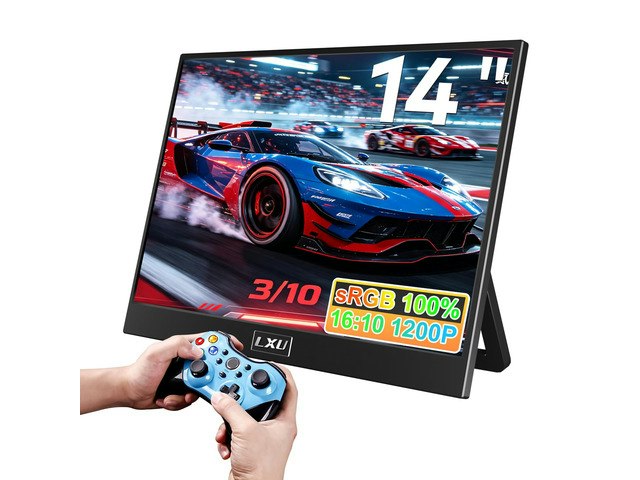
Setting up a second screen for a laptop on the road is where this one earns its keep, since the 1200p IPS panel stays sharp and the HDR adds real contrast for video or photo work. It's a solid pick for anyone who needs extra desktop space without hauling around a full monitor. Buy Now at Newegg
Features
- 1200p resolution, 60Hz refresh rate
- HDR
- 1x USB-C port, 1x HDMI port, 3.5mm audio
- Portable 14-inch IPS display
- Model: S2
Newegg · Verified 4 days ago
$178
more
↑ less
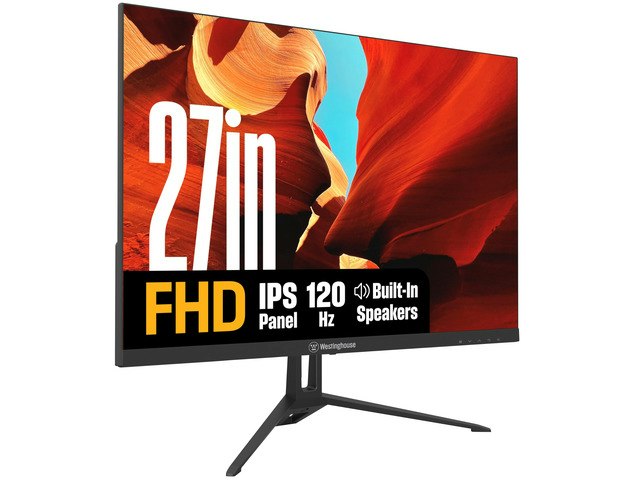
Daily multitaskers and casual gamers get smooth, tear-free visuals thanks to Adaptive Sync, while the IPS panel keeps colors consistent even if you're viewing from an angle. Buy Now at Newegg
Features
- 1080p resolution, 120Hz refresh rate
- HDR
- AMD FreeSync
- 1x HDMI, 1x DisplayPort, 1x VGA
Newegg · Verified 4 days ago
$150
more
↑ less
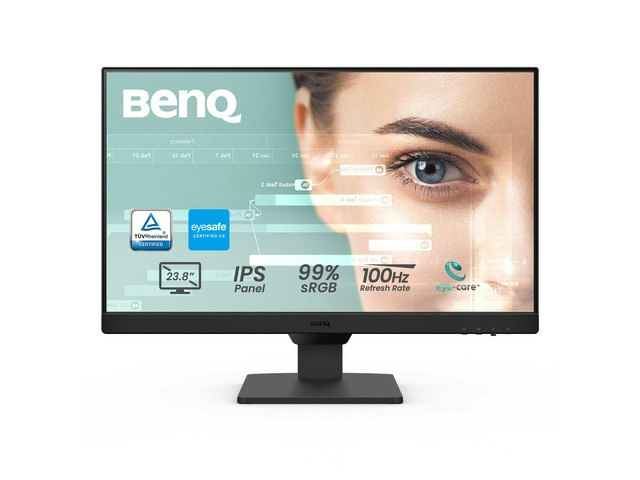
Setting up a desk on a budget, this one gets you a 24" IPS panel with FreeSync for smooth motion, making it a solid fit for everyday work or light gaming. Newegg's price keeps it in entry-level territory without sacrificing color accuracy or viewing angles. Buy Now at Newegg
Features
- 1920x1080p resolution, 100Hz refresh rate
- IPS panel with eye-care technology
- Built-in speakers
- 1x DisplayPort, 1x HDMI port
- Model: GW2490
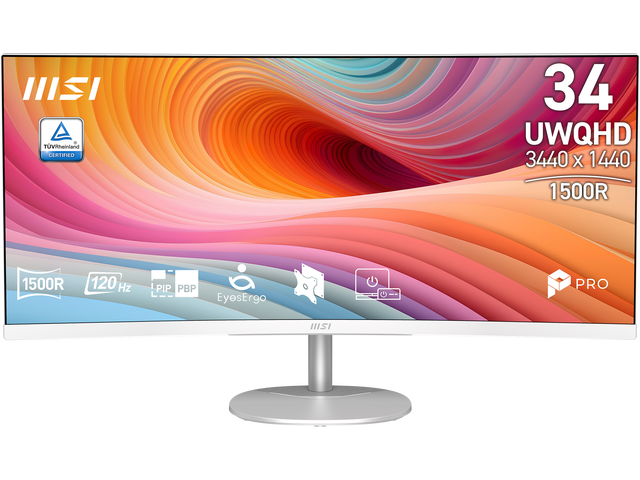
Newegg · Verified 4 days ago
$260
more
↑ less
Anyone running multiple windows side by side for work or gaming will appreciate the extra horizontal space the 34" ultrawide curve provides, and the 1440p resolution keeps text and detail sharp without taxing your graphics card too hard. Buy Now at Newegg
Features
- 3440x1440 resolution, 120Hz refresh rate
- HDR
- AMD FreeSync
- 1ms response time
- Model: PRO MP341CQW E12
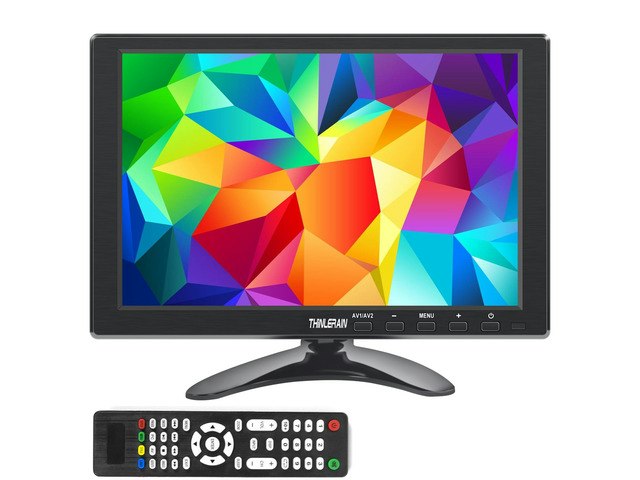
Newegg · Verified 4 days ago
$104
more
↑ less
Space-constrained desk setups or secondary display needs call for something like this, since the compact 10.1-inch size still packs a 1920x1200 resolution for sharp text and images. It suits anyone wanting an extra screen for monitoring, retro gaming, or a Raspberry Pi project without giving up much desk space. Buy Now at Newegg
Features
- 1920x1200 resolution
- HDMI, VGA, AV, BNC, USB inputs
- Built-in speakers
- VESA mount compatible
- Includes remote control
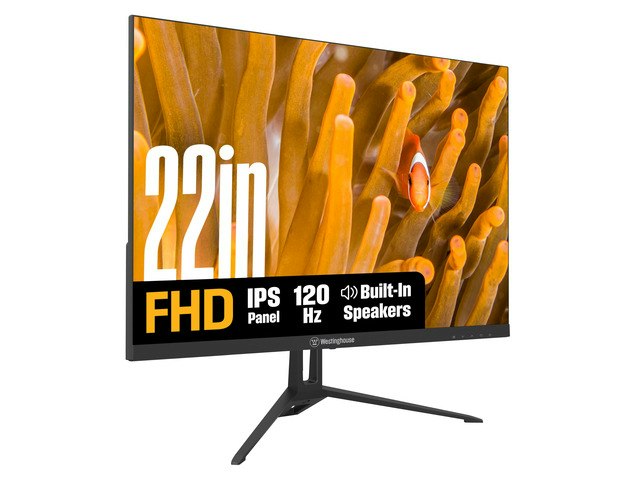
Newegg · Verified 4 days ago
$150
more
↑ less
Setting up a budget second display or a basic home office station is where this one makes sense, since you get IPS color accuracy and adaptive sync for smoother motion without paying for higher resolution you may not need at 22 inches. Buy Now at Newegg
Features
- 1080p resolution, 120Hz refresh rate
- HDR
- AMD FreeSync
- 1x HDMI, 1x DisplayPort, 1x VGA
- Model: 22E1H
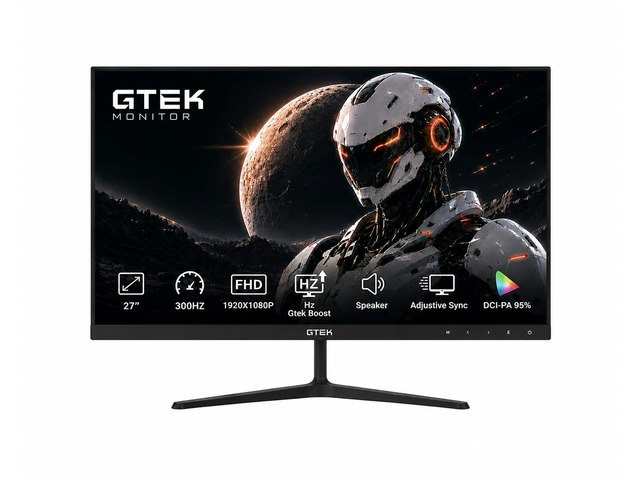
Newegg · Verified 4 days ago
$195
more
↑ less
Fast-paced gaming is where this monitor earns its keep, with the 300Hz refresh rate and G-Sync support keeping motion smooth and tear-free during competitive play. The 1080p resolution keeps the price reasonable for anyone prioritizing speed over pixel density. Buy Now at Newegg
Features
- 1080p resolution, 300Hz refresh rate
- AMD FreeSync, G-Sync
- 2x HDMI, 2x DisplayPort
- 1ms response time
- Built-in speakers
Newegg · Verified 4 days ago
$195
more
↑ less
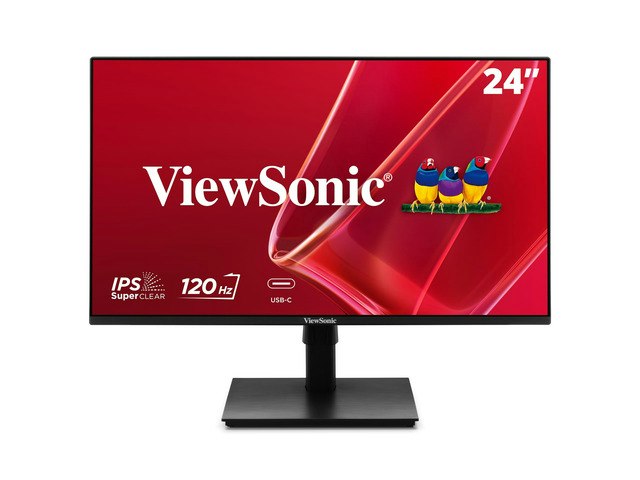
This monitor suits anyone setting up a budget-friendly desk, with IPS panel technology giving you consistent color and viewing angles whether you're working or gaming. FreeSync support also means smoother motion if you're pairing it with an AMD graphics card. Buy Now at Newegg
Features
- 1080p resolution, 120Hz refresh rate
- AMD FreeSync
- 1x HDMI port, 1x VGA port, 1x USB-C port
- Model: VA2448-MHU
Newegg · Verified 4 days ago
$120
more
↑ less
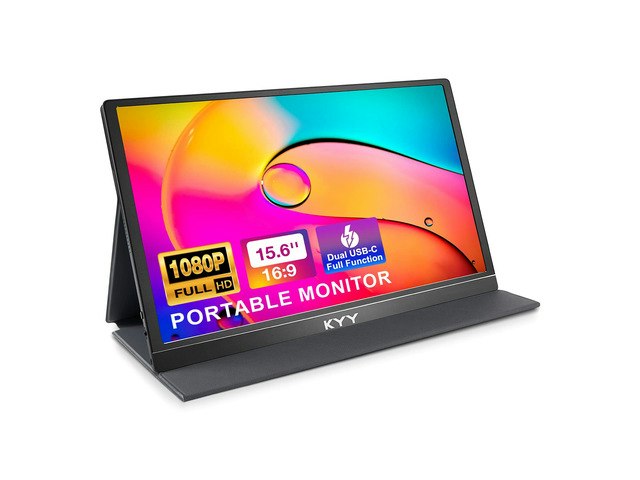
Dragging a second screen along in your bag makes a difference if you're constantly switching between hotel rooms, coffee shops, or client sites and still want dual-monitor efficiency; this one plugs into most laptops over USB-C without needing a separate power source. Buy Now at Newegg
Features
- 1080p resolution
- Dual USB-C and HDMI ports
- Integrated speakers
- Portable 15.6-inch screen design
- Model: K3-1
Newegg · Verified Nov 9, 2026
$194
more
↑ less
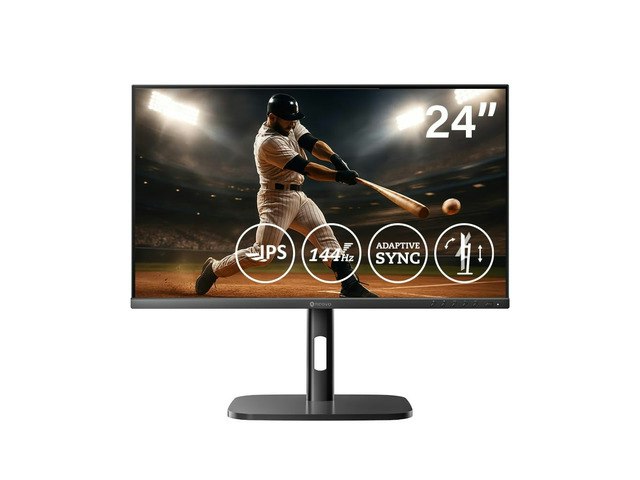
Gamers and office multitaskers short on desk space will appreciate this 24-inch monitor, especially with Adaptive Sync on board to keep fast motion smooth and tear-free during gameplay. Buy Now at Newegg
Features
- 1920x1080 (1080p) resolution, 144Hz refresh rate
- AMD FreeSync
- 1x HDMI port, 1x DisplayPort
- Model: MH2404
Newegg · Verified 1 day ago
$378
more
↑ less
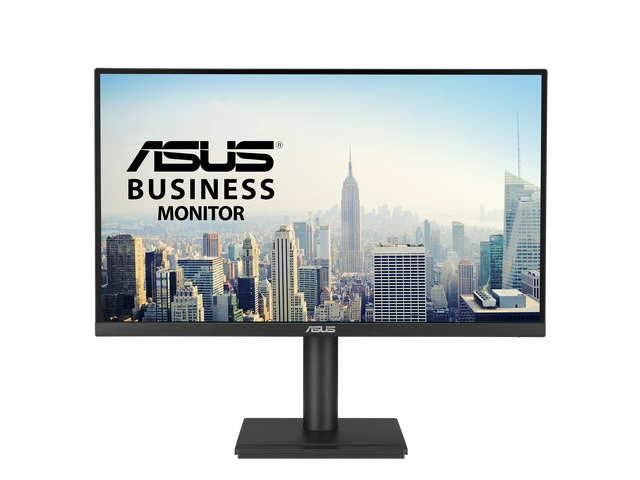
Anyone splitting time between spreadsheets and photo or video editing will appreciate the 4K resolution paired with IPS color accuracy, and HDR support adds some punch for streaming video in your downtime. Buy Now at Newegg
Features
- 3840x2160 (4K) resolution, 60Hz refresh rate
- HDR10
- 1x USB-C port, 1x USB Hub
- Model: VA27UCPS
Newegg · Verified 1 day ago
$899
more
↑ less
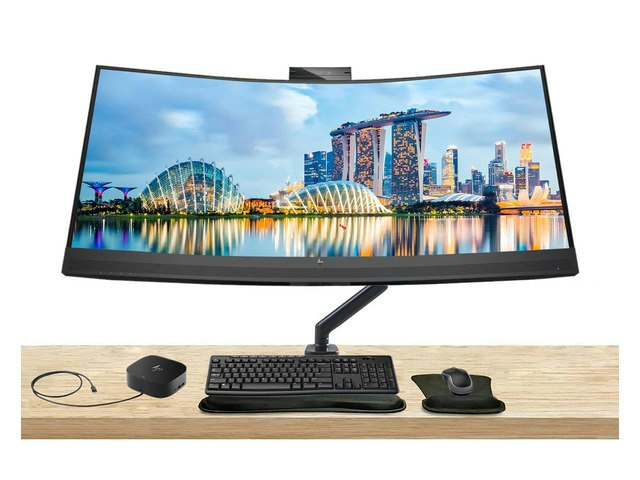
Anyone running multiple windows at once will appreciate the 34-inch curved ultrawide, which gives you enough screen real estate to ditch a second monitor entirely. Newegg's price makes this a reasonable option for home office setups where desk space is tight but screen space isn't negotiable. Buy Now at Newegg
Features
- 3440x1440 resolution, 60Hz refresh rate
- Integrated conferencing camera and speakers
- Ergonomic adjustable stand
- Includes wireless keyboard, mouse, and mouse pad
- Model: E34m G4
Newegg · Verified 1 day ago
$499
more
↑ less
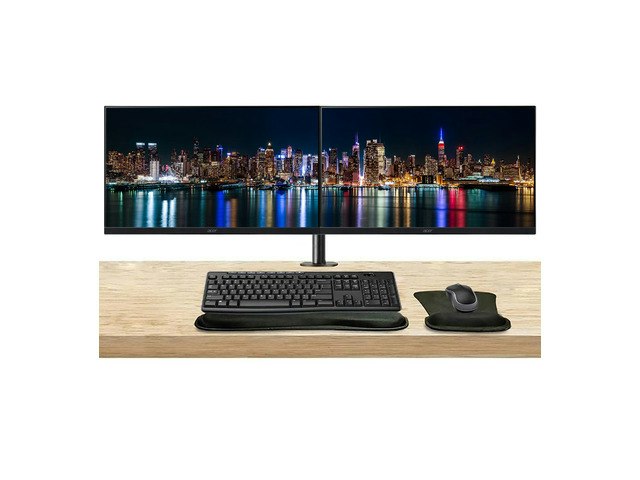
Built from post-consumer recycled plastic, this 2-pack suits anyone setting up a dual-monitor desk or outfitting multiple workstations at once without buying displays one at a time. Buy Now at Newegg
Features
- 1080p resolution, 100Hz refresh rate
- 1x VGA, 1x HDMI
- 2-Pack bundle with dual monitor stand
- Includes wireless keyboard and mouse
- Model: B7 B277 E
Newegg · Verified 1 day ago
$322
more
↑ less
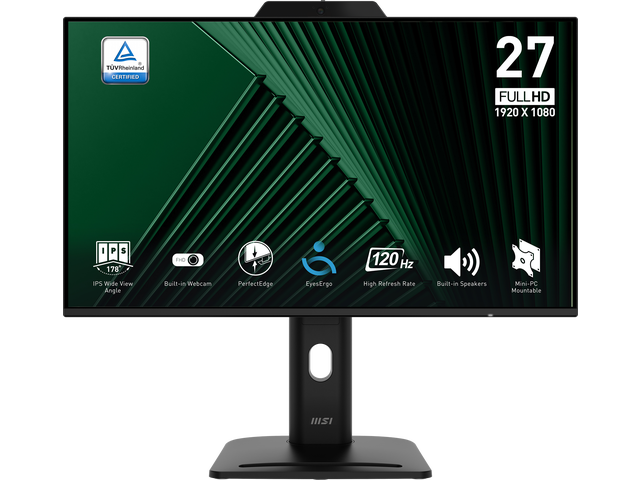
Newegg's got the MSI PRO 27" 1080p IPS monitor for anyone upgrading from a cramped laptop screen or an aging display, with Adaptive-Sync helping smooth out gameplay or video without screen tearing. Buy Now at Newegg
Features
- 1080p resolution, 120Hz refresh rate
- Adaptive-Sync
- 1x HDMI, 1x DisplayPort, 1x VGA port
- Integrated webcam and speakers
- Model: PRO MP272PMG
Amazon · Verified 1 wk ago
$190 $320
free shipping
more
↑ less
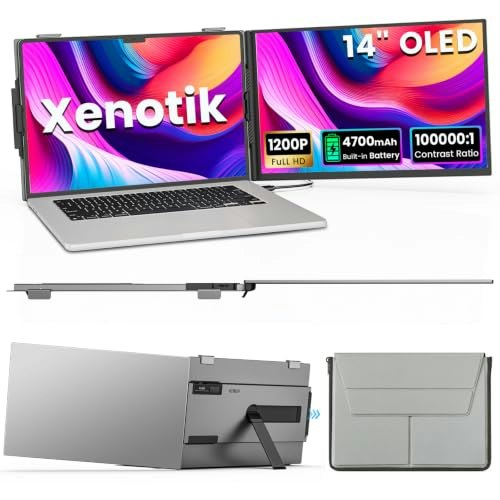
Extra screen real estate is handy if you work from a laptop and juggle multiple windows or documents, and this OLED panel adds sharp, color-accurate visuals without needing a separate power source in most setups; it's currently $130 (41%) off the $320 list price. Buy Now at Amazon
Features
- 14-inch 1200p OLED display with 100,000:1 contrast
- Ultra-slim 21mm portable design weighing 1.85 lbs
- Built-in 4700mAh battery for cordless use
- Driver-free plug and play connectivity
- Compatible with 14-inch to 17.3-inch laptops
Newegg · Verified 4 days ago
$585 $1,000
more
↑ less
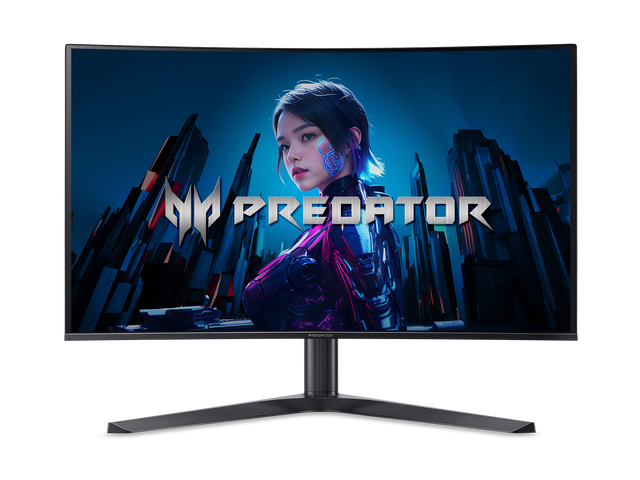
Gamers and video editors who want true blacks and fast refresh rates will notice the difference OLED makes over standard LCD panels, and Newegg has this 32" 4K model for $584.99, a $415 cut from the $999.99 list price. Buy Now at Newegg
Features
- 3840x2160 (4K) resolution, 240Hz refresh rate
- HDR400
- AMD FreeSync
- 1x USB-C port
- Model: X32 Xbmiipphuzx
Newegg · Verified 1 day ago
$200 $230
more
↑ less
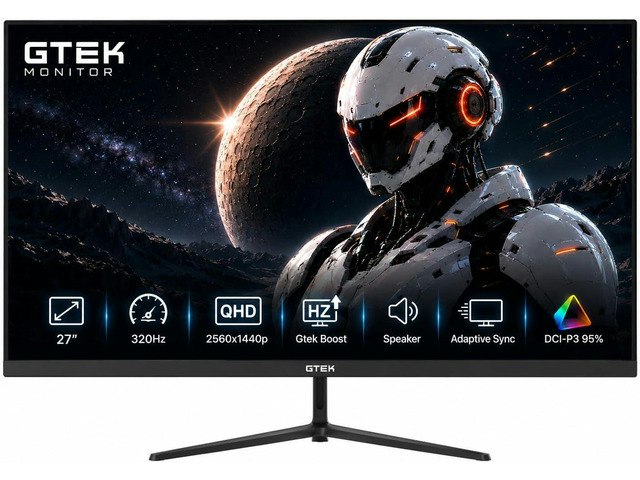
This 27" 1440p IPS display suits gamers who want smoother motion through FreeSync without paying extra for a dedicated gaming brand name, and it's currently $30 off the $230 list price. Buy Now at Newegg
Features
- 1440p resolution, 320Hz refresh rate
- AMD FreeSync, G-Sync
- 2x HDMI ports, 2x DisplayPort
- 1ms response time
- Model: GTek 27
Newegg · Verified 1 day ago
$165
more
↑ less
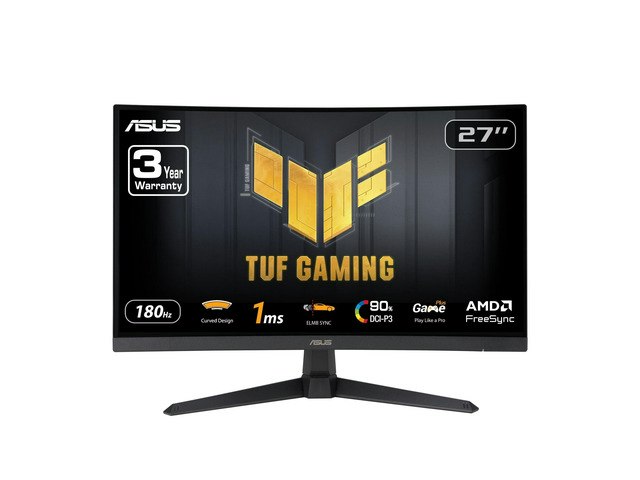
Fast-paced gamers will appreciate the FreeSync support and curved IPS panel here, which keeps motion smooth without the ghosting or color washout you get from cheaper TN displays. Buy Now at Newegg
Features
- 1080p resolution, 180Hz refresh rate
- AMD FreeSync
- 1x DisplayPort, 2x HDMI ports
- Model: VG27VQ3B
Computer Monitors: The Basics
You’ve found your perfect computer, but now you need a display. The type of monitor you should buy (and how much you’ll spend) depends on what you’re using it for. A gamer has different needs from someone who will only use their monitor for watching YouTube. No matter what you’re shopping for, DealNews has the monitor deals you need.
Common Terms
When you’re shopping for a monitor, it’s important to understand some basic terminology:
- Aspect Ratio
This measurement, expressed as two numbers separated by a colon, is a proportional representation of the monitor’s height and width. The three most common aspect ratios are 4:3, 16:9, and 21:9, with higher-end monitors available in more extreme ratios.
- Viewable Screen Area
The viewable screen is the part of a monitor that displays content, as opposed to the parts that may be covered by a border. You might see this measurement listed after the size, such as: 24’’(23.6” Viewable). Many monitors are now borderless.
- Resolution
Resolution is how many pixels make up a screen, and is described as length x width. For example, a 1080p monitor has a resolution of 1920x1080 pixels.
- Response Time
The response time is how long it takes for a monitor to change individual pixels from black to white (or in some technologies, gray to gray). This determines how sharp an image is. When viewing a monitor’s response time, the lower the number, the better.
- Refresh Rate
The refresh rate is how many times the image updates each second. This is measured in Hertz (Hz). In general, you should buy a monitor with at least a 60Hz refresh rate, but higher numbers are generally better. (Note that not all manufacturers include specs regarding refresh rate.)
-
Display Panel Types
- Twisted Nematics (TN): These panels are the fastest and most inexpensive panels on the market. But what you make up for in speed and price, you lose in color and viewing angles. TN panels are an especially good choice for gamers who need higher refresh rates, and low response time.
- Vertical Alignment (VA): Considered the middle ground between TN and IPS panels, VA monitors have good color and contrast and a mid-tier price. These panels have some of the slowest response times, so they’re best suited to general use.
- In-Plane Switching (IPS): These panels have great color and viewing angles with a response time that falls between TN and VA panels. IPS panels are the most expensive, and are best suited for professional design use.
Frequently Asked Questions
What features should I consider when purchasing a monitor?
First, think about how you’ll use the monitor. The screen size, resolution, panel type, and response time you’ll need are all heavily dependent on your use case. It’s also important to make sure your monitor has the correct inputs for your computer — if not, you should look into purchasing an adapter. Once you’ve decided on the specs you’ll need, check out DealNews for the best deals on cheap monitors.
What is a curved monitor?
Curved monitors are growing in popularity, as they can help your eyes take in more of the screen at once. If you tend to use dual monitors, a single curved monitor can typically fulfill the same role. Unfortunately, the technology is still relatively new and curved monitor prices tend to be higher.
What brands have the best monitor deals?
When it comes to monitors, finding the right brand is less important than finding the right combination of features. To help you find exactly what you need, DealNews publishes deals from many different monitor manufacturers. You can see all the monitor sales here, or you can check out monitors on our brand- and store-specific pages, including Acer , Alienware , Asus , Dell , Lenovo , LG , Samsung and more!
By: Kristen Harris, Manager
A Georgia girl with three years of experience in IP Law and grounded in understanding marketing and consumer motives. When she's not working with the fabulous staff of DealNews, you can find her whining at rowing practice and browsing the Hot Deals on the site.
Want to know the moment we post a great deal on Monitors?
Create an Alert